Assignment 1: Tearing, Sticking, Placing, Photomontage…
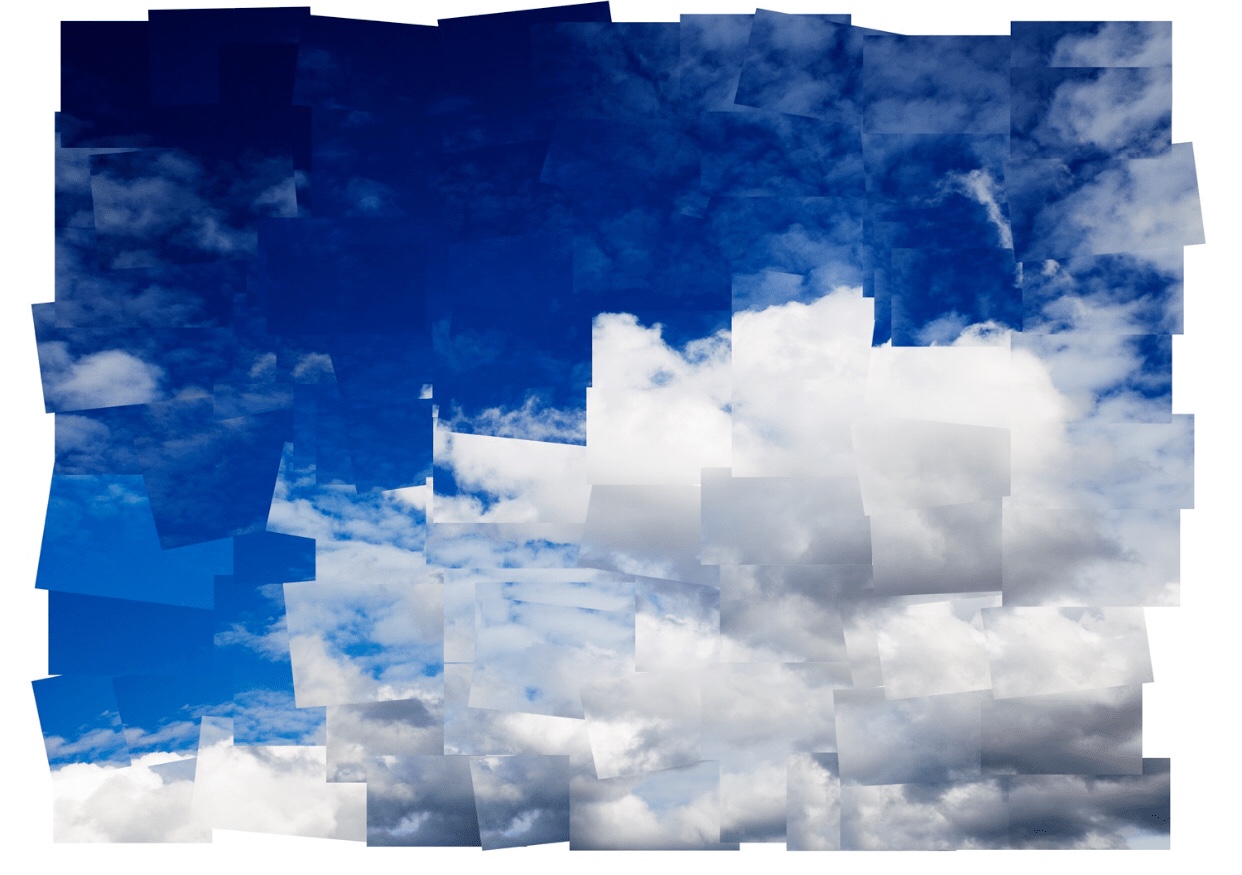
We had 15 minutes to create a Post-it note size montage during the Photomontage method. We also had to create a larger-scale photo montage, and that made me think about the next one I was going to put together. The Sea Giant Montage was created by me.
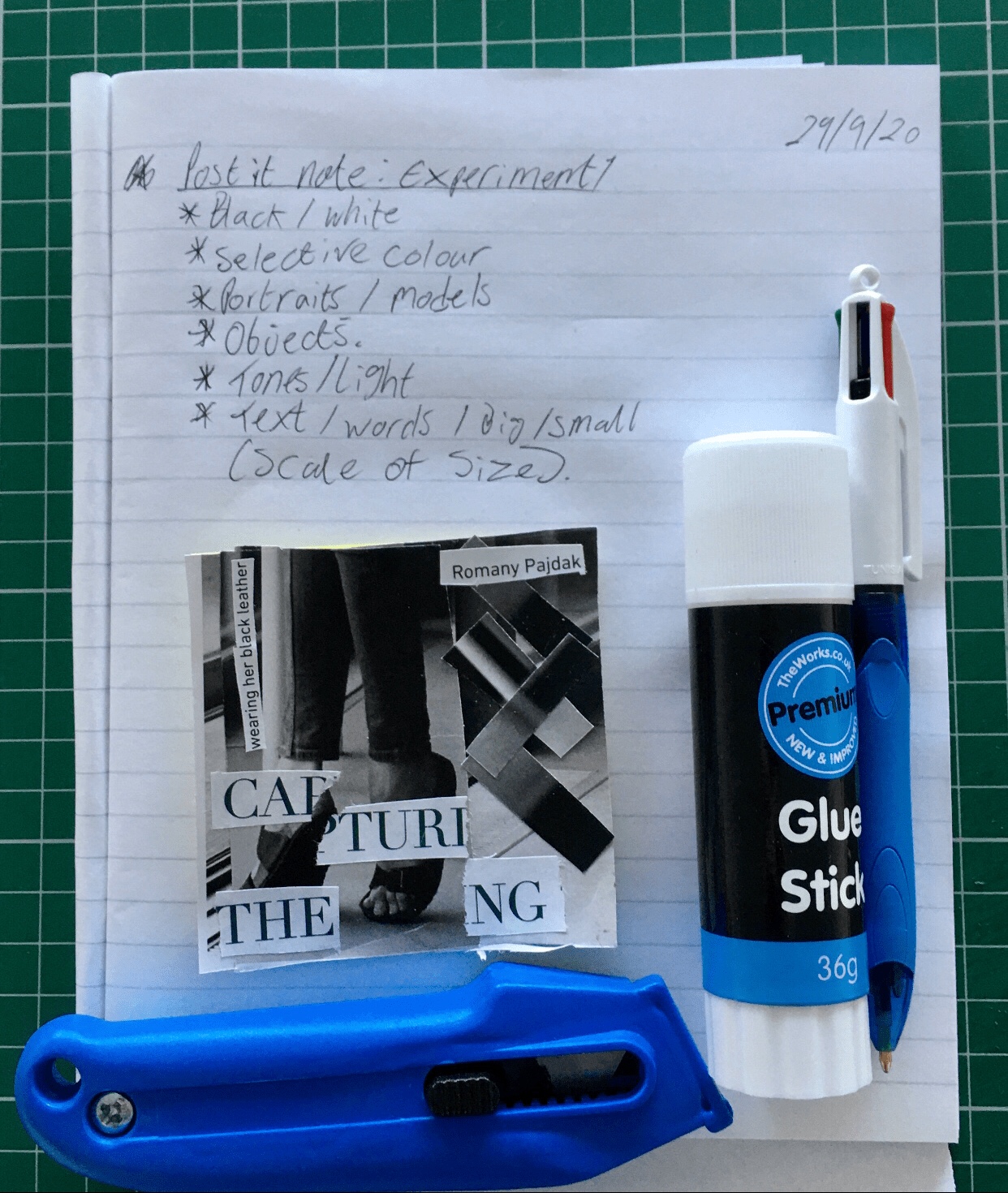
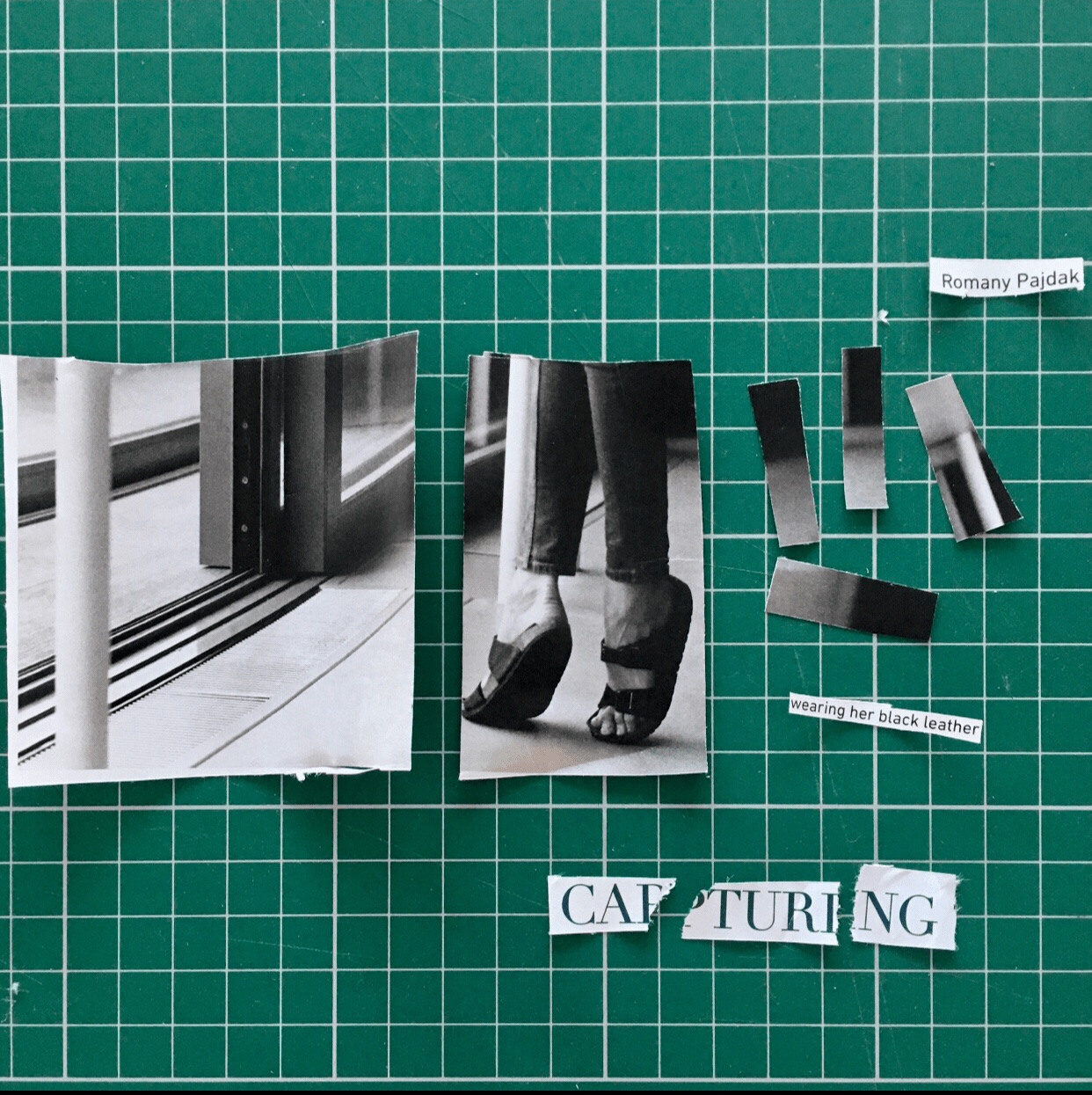
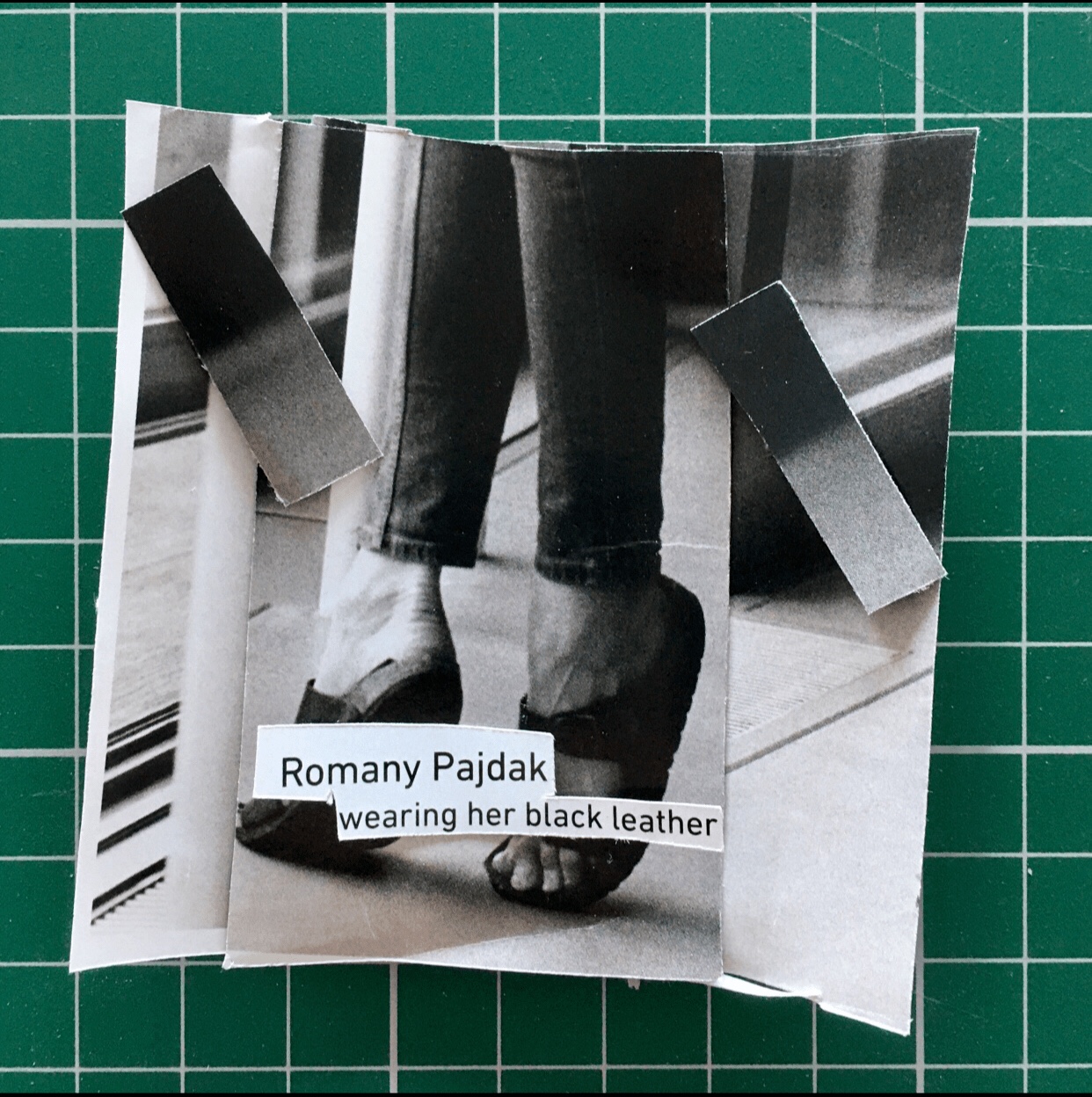
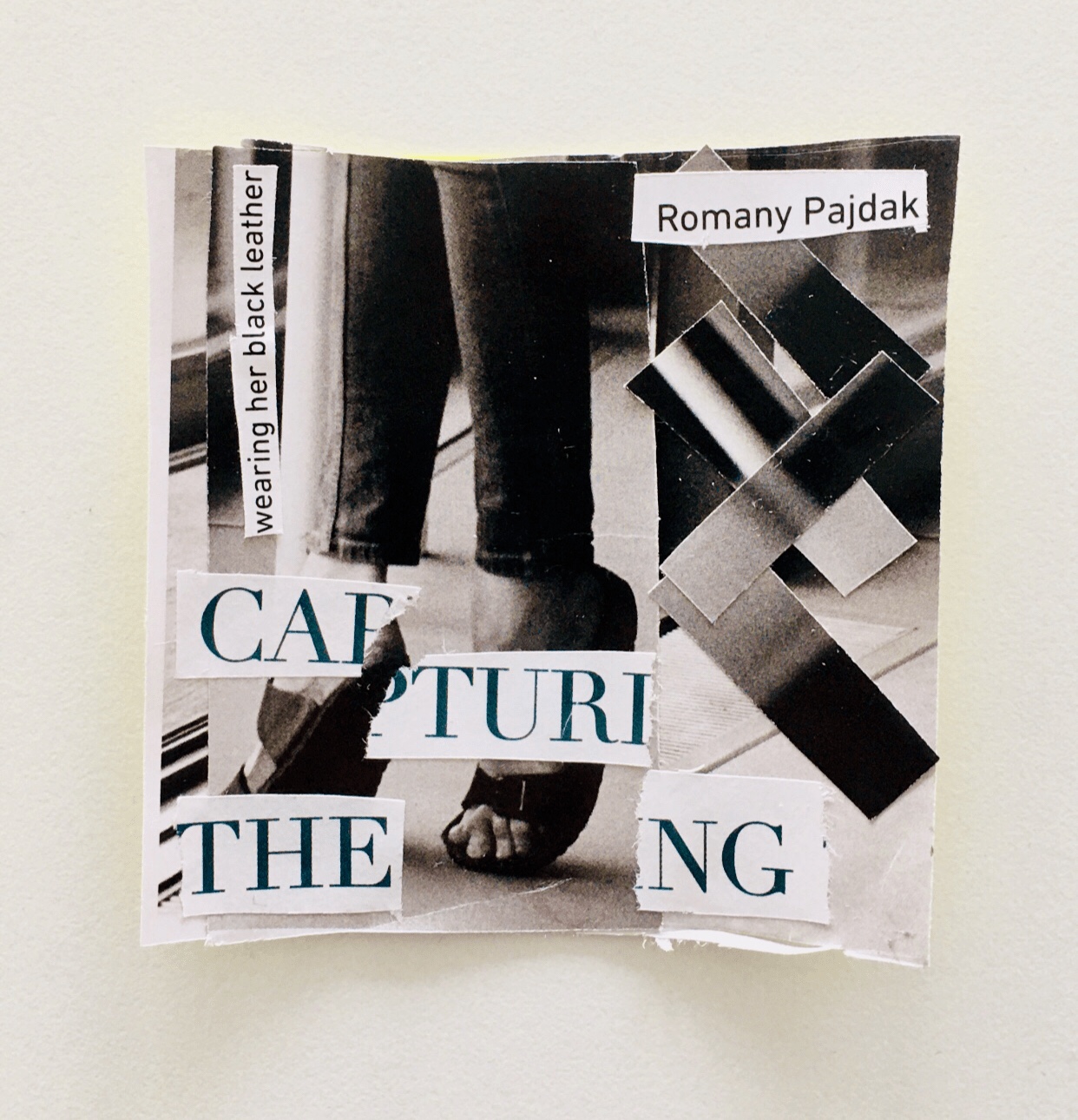
Photomontage Practice: I wanted to try a lot of different kinds of tearing methods on my own and I also wanted to experiment with white paper backgrounds.
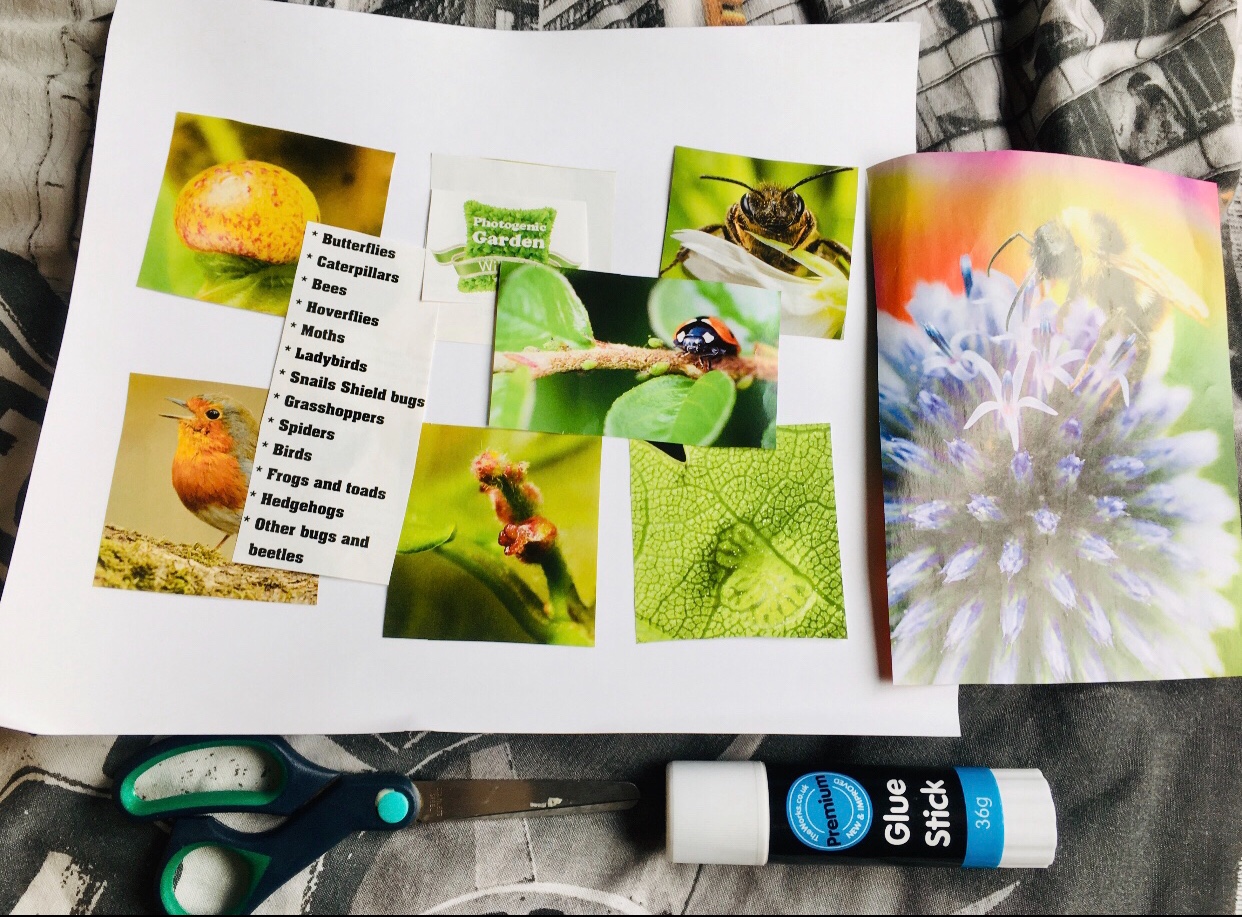
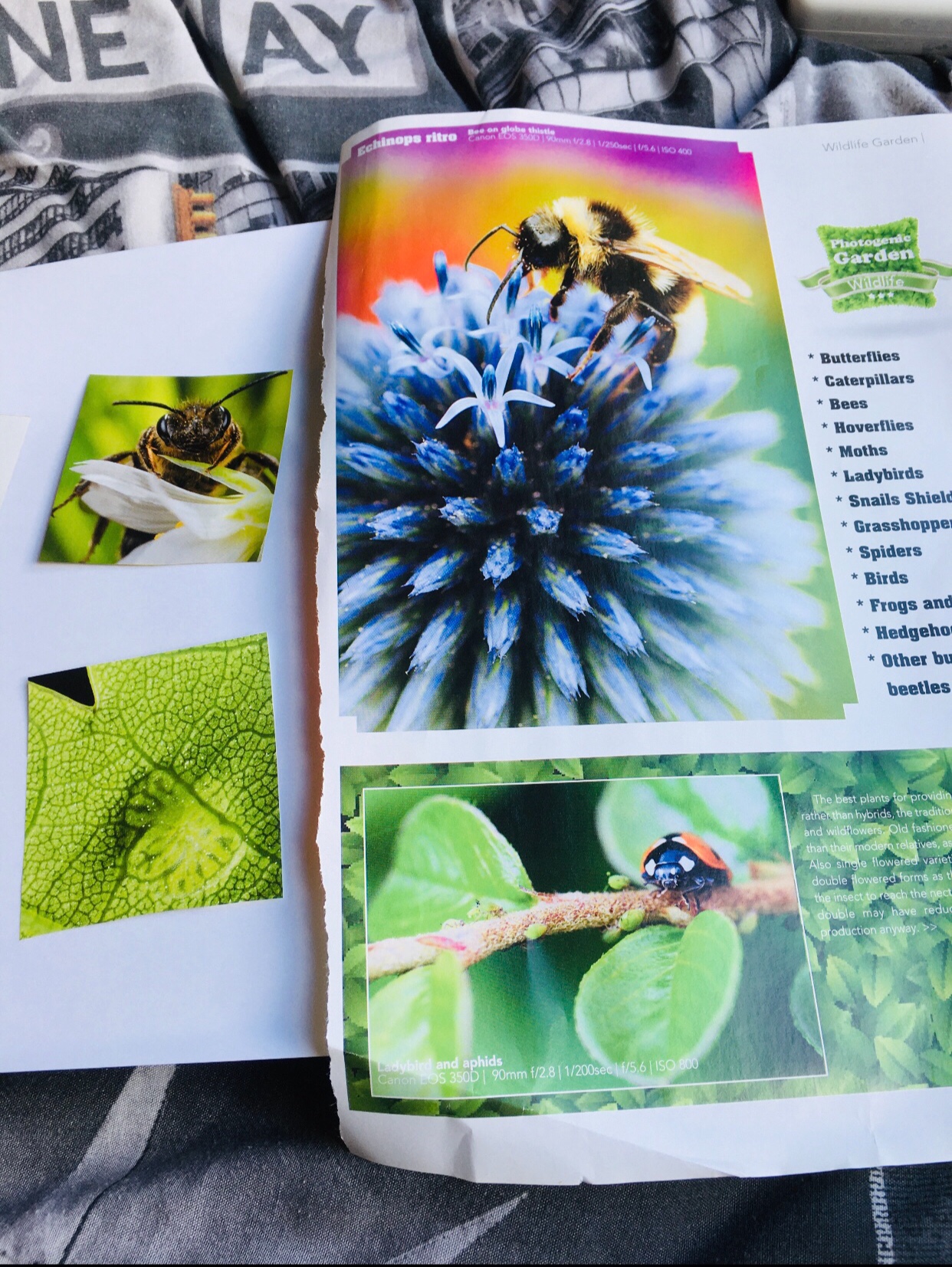
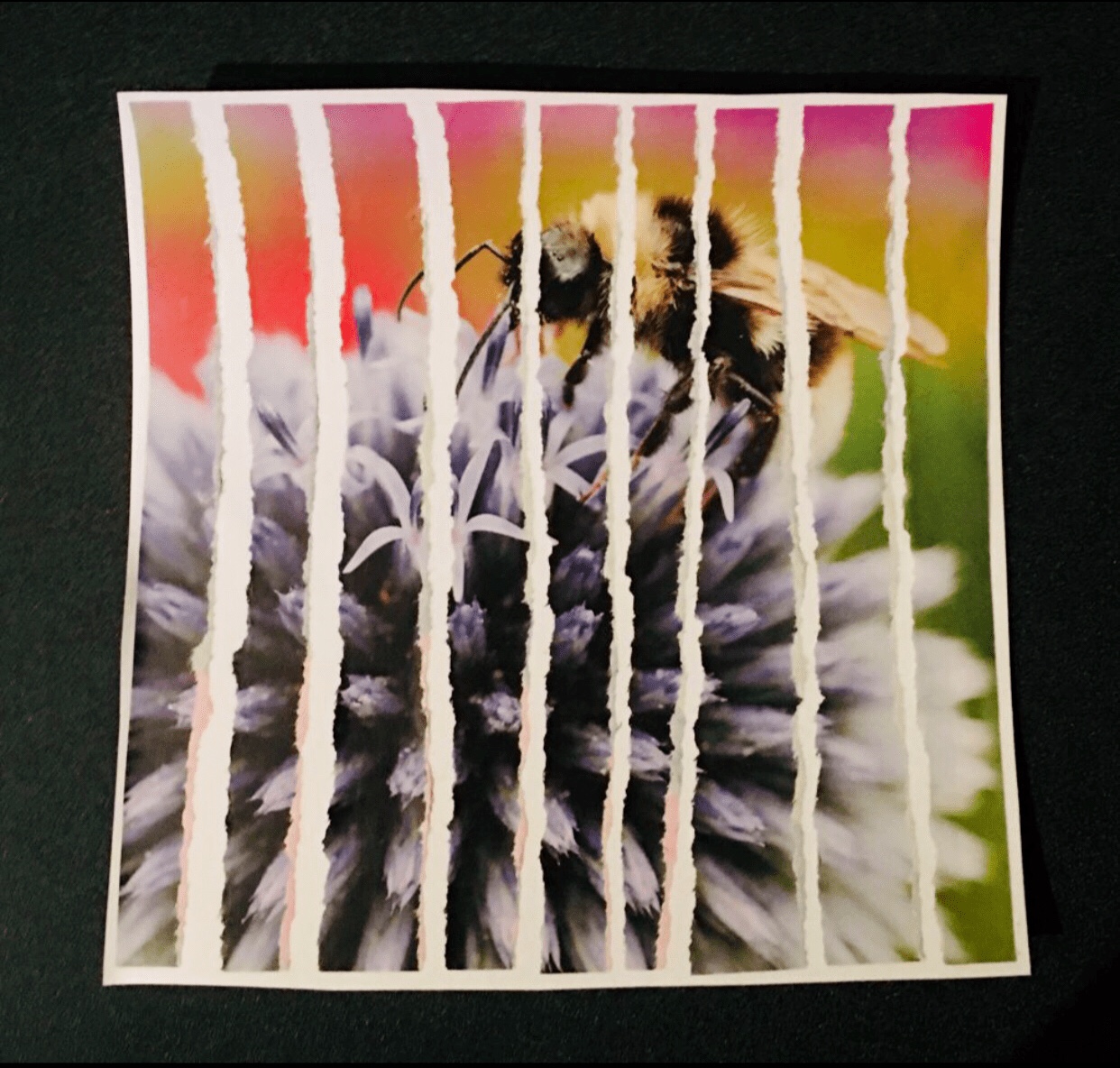
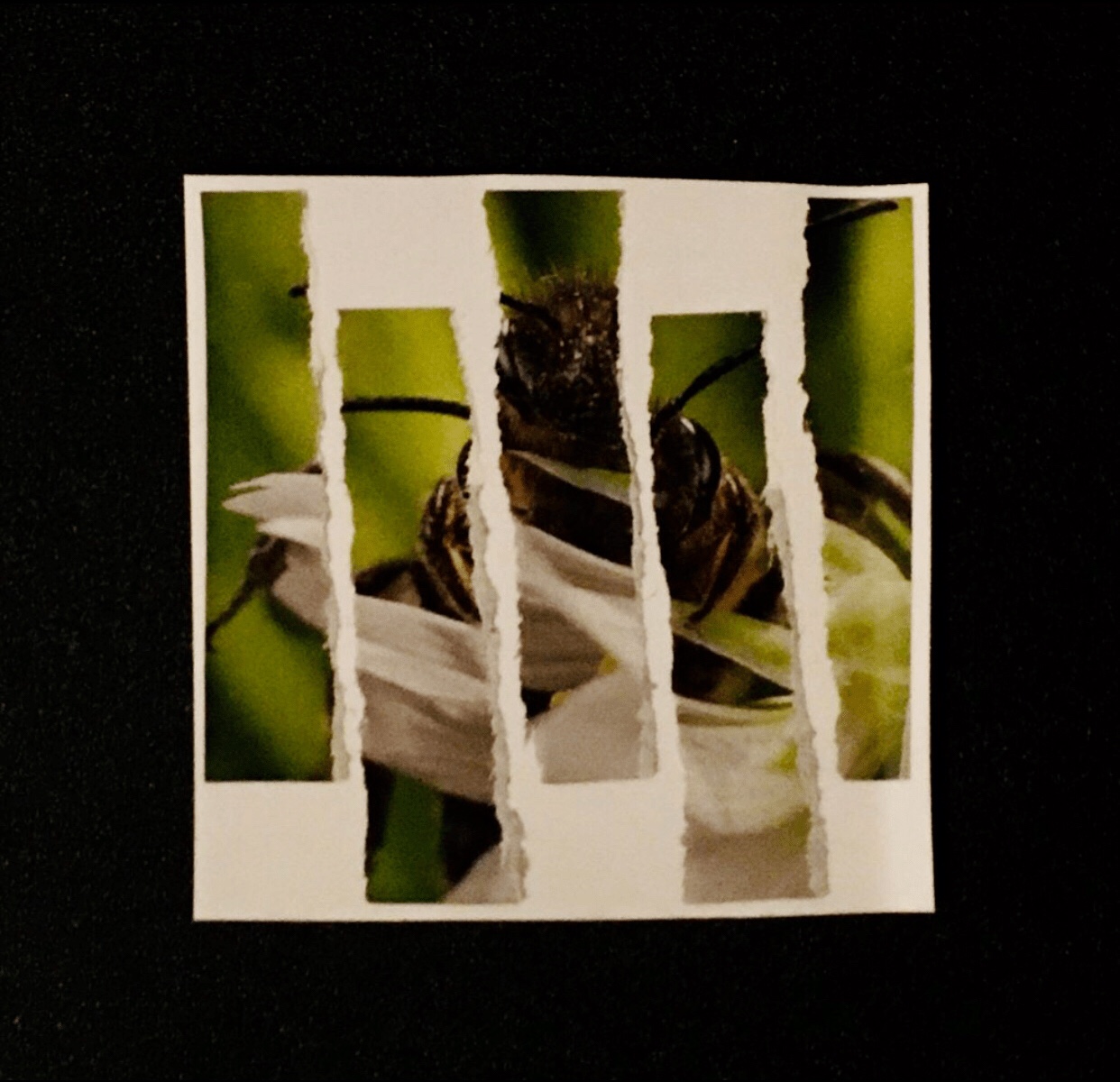
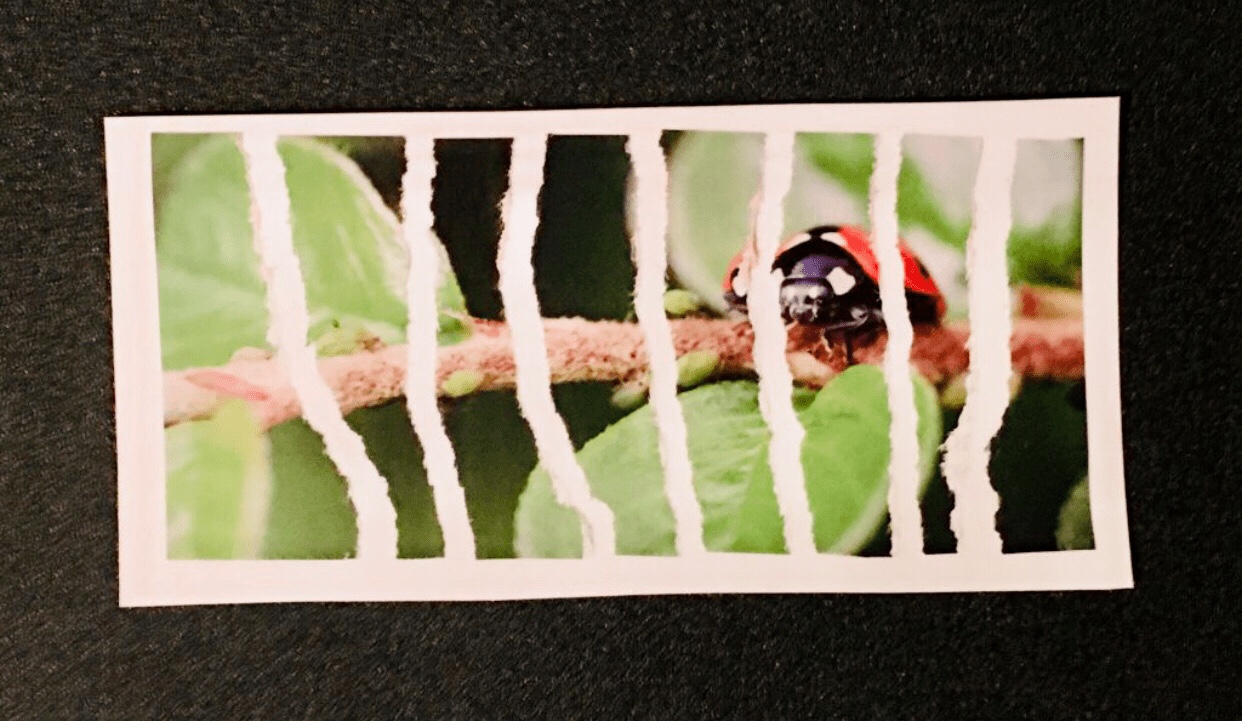
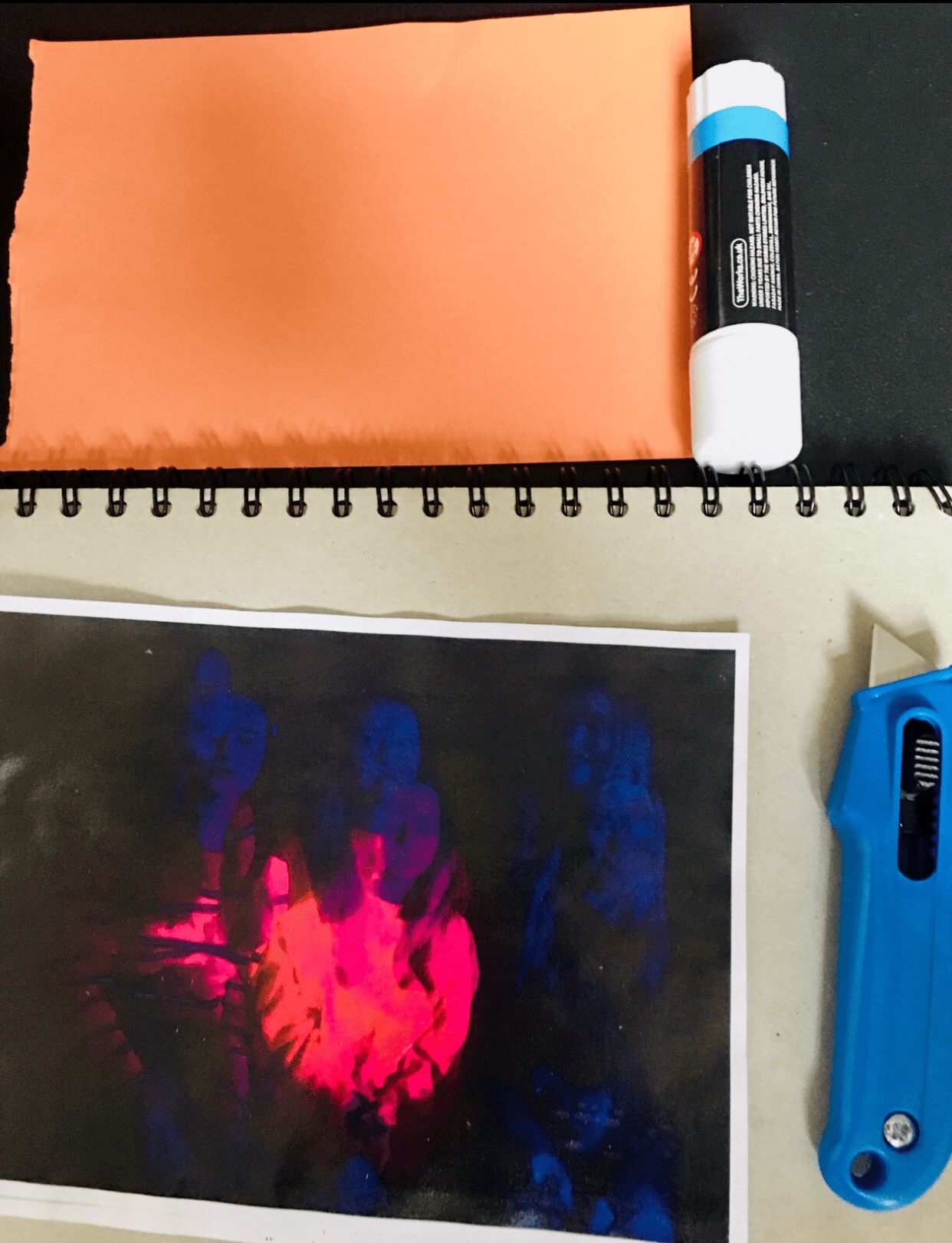
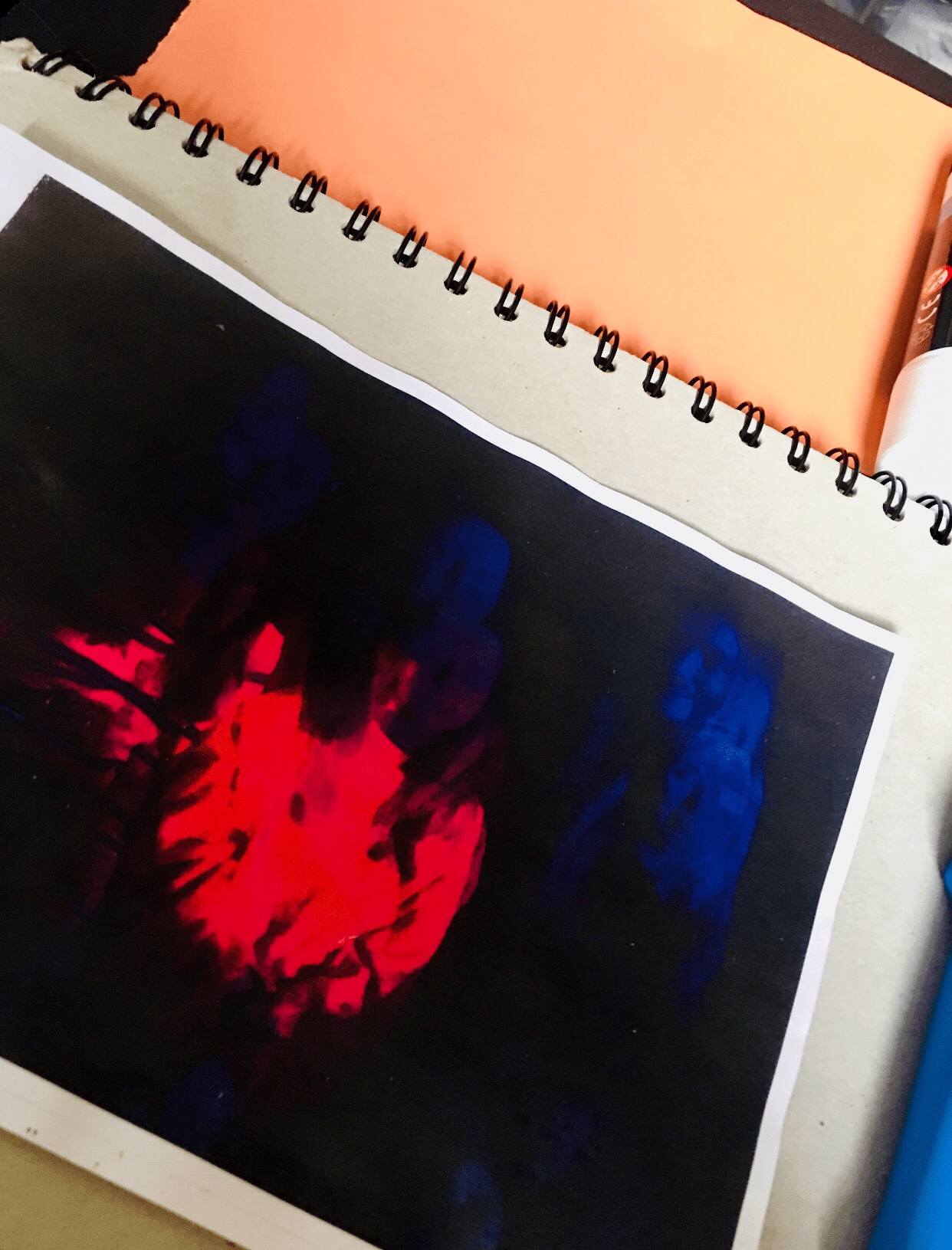
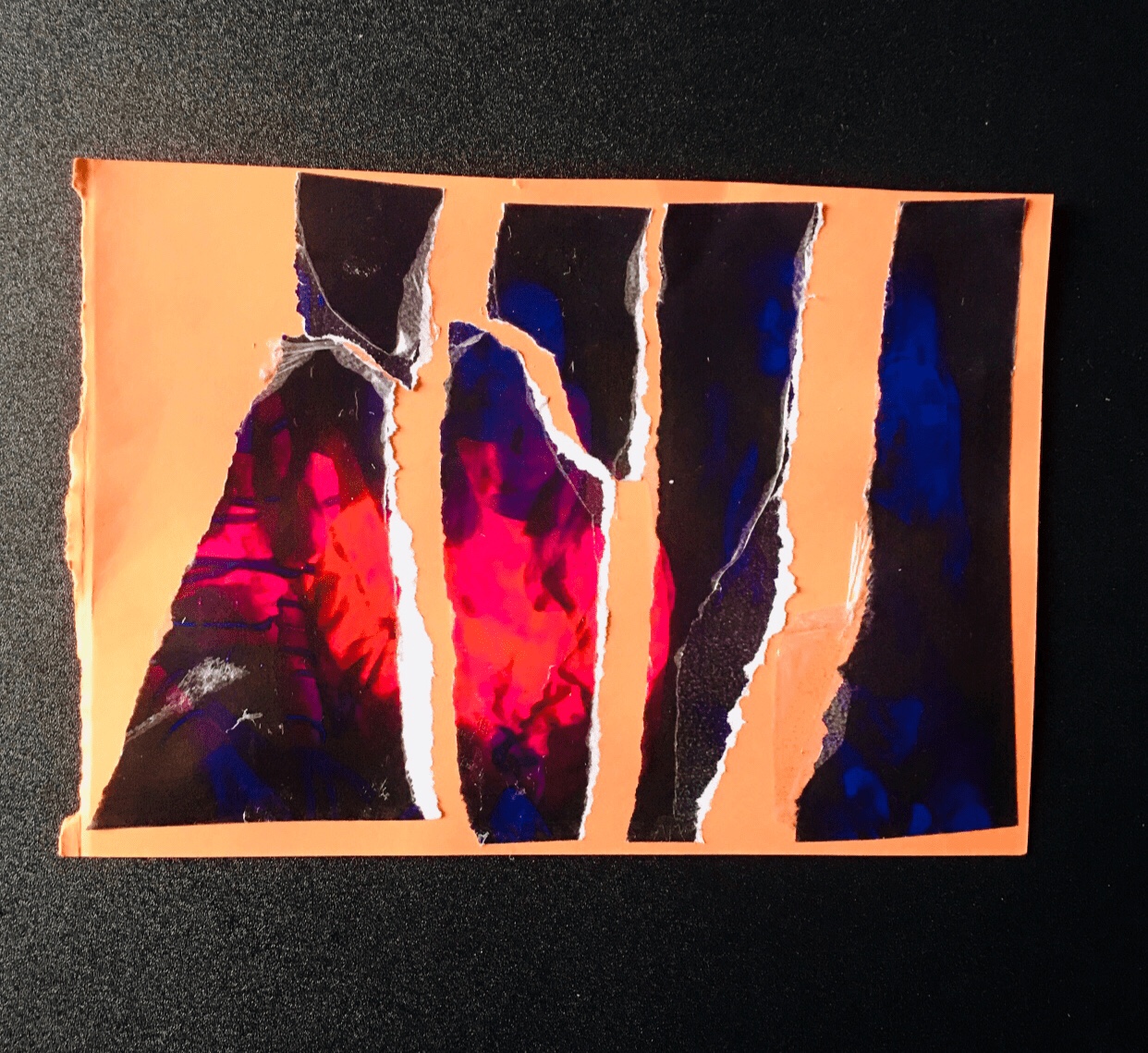
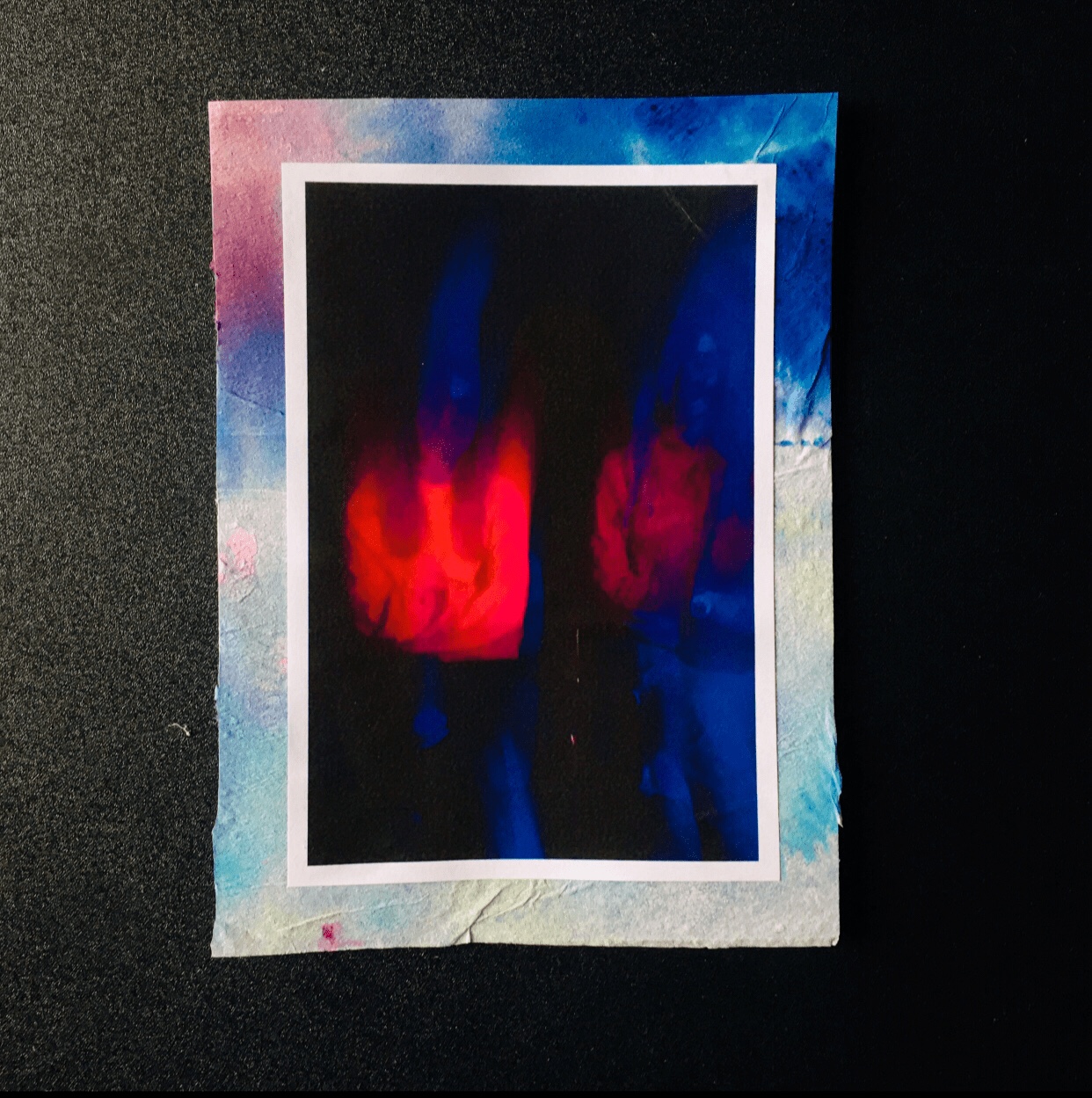
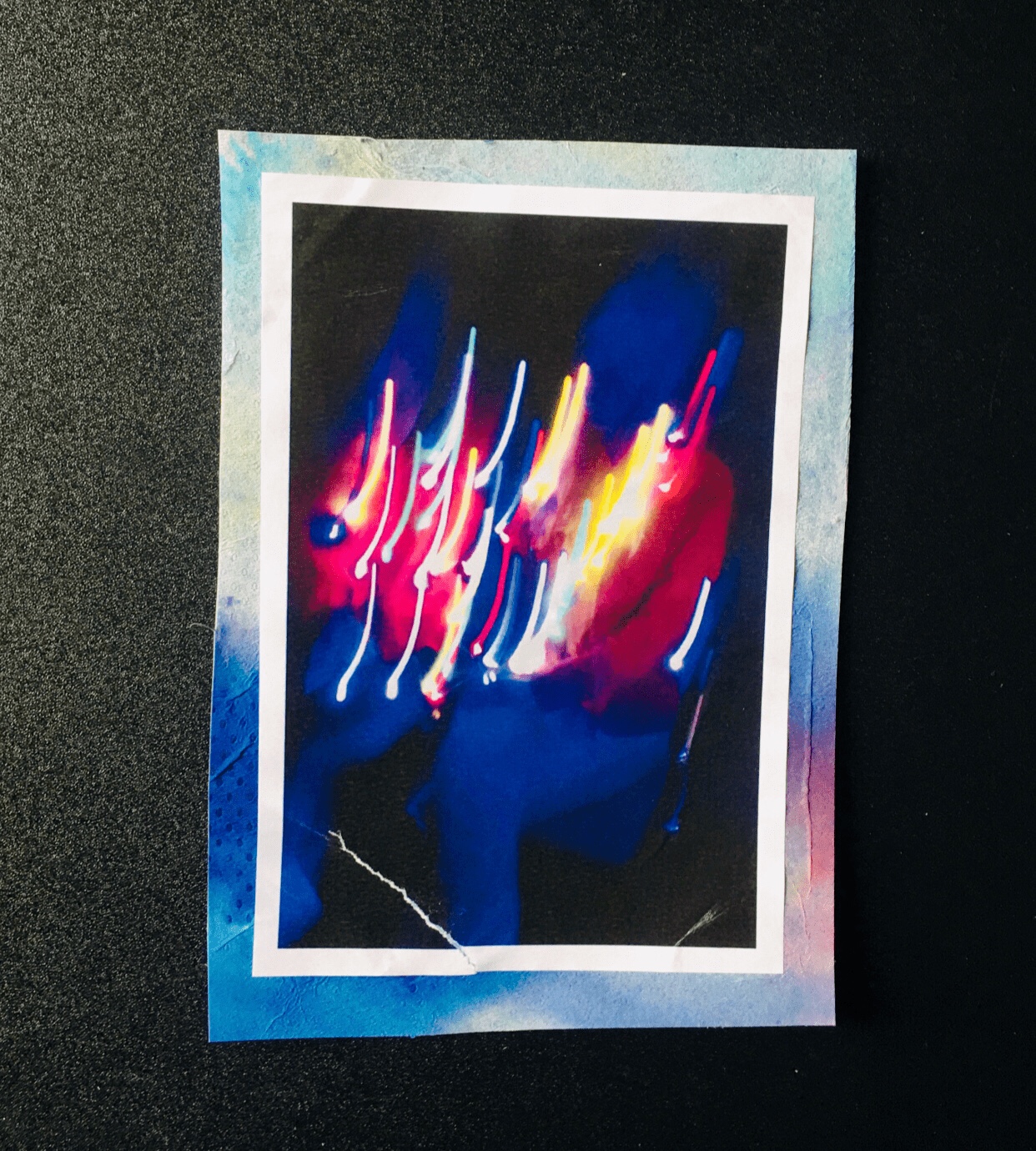
Photomontage, composite photographic image made either by pasting together individual prints or parts of prints, by successively exposing individual images onto a single sheet of paper, or by exposing the component images simultaneously through superimposed negatives. In the 1880s the juxtaposition of separate images through successive exposures became fashionable in the “combination print,” especially in the form of the contrived group portrait. The subjective, fragmented, potentially absurd qualities of this juxtaposition were exploited by Dadaist and Futurist artists of the early 20th century.
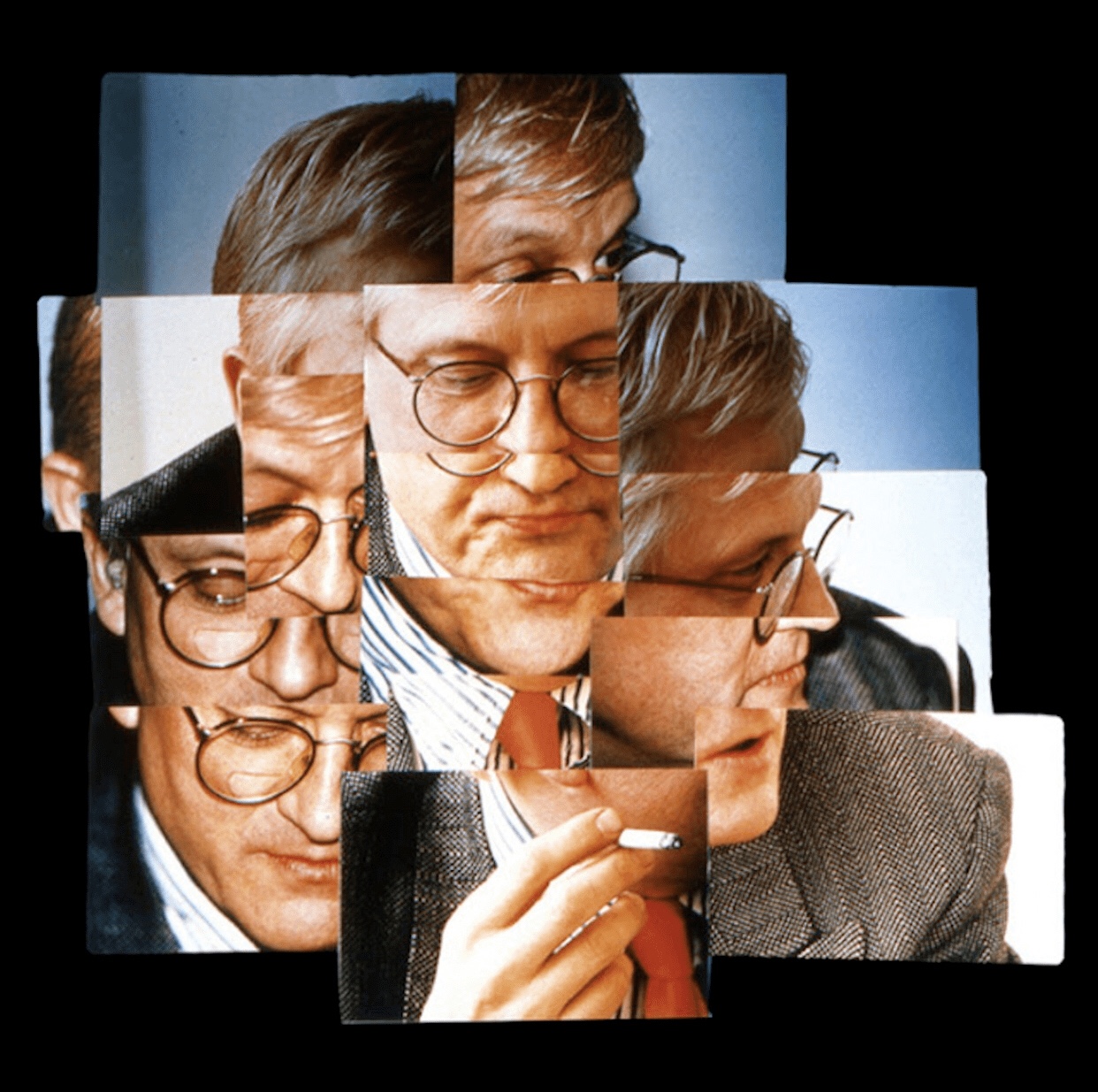
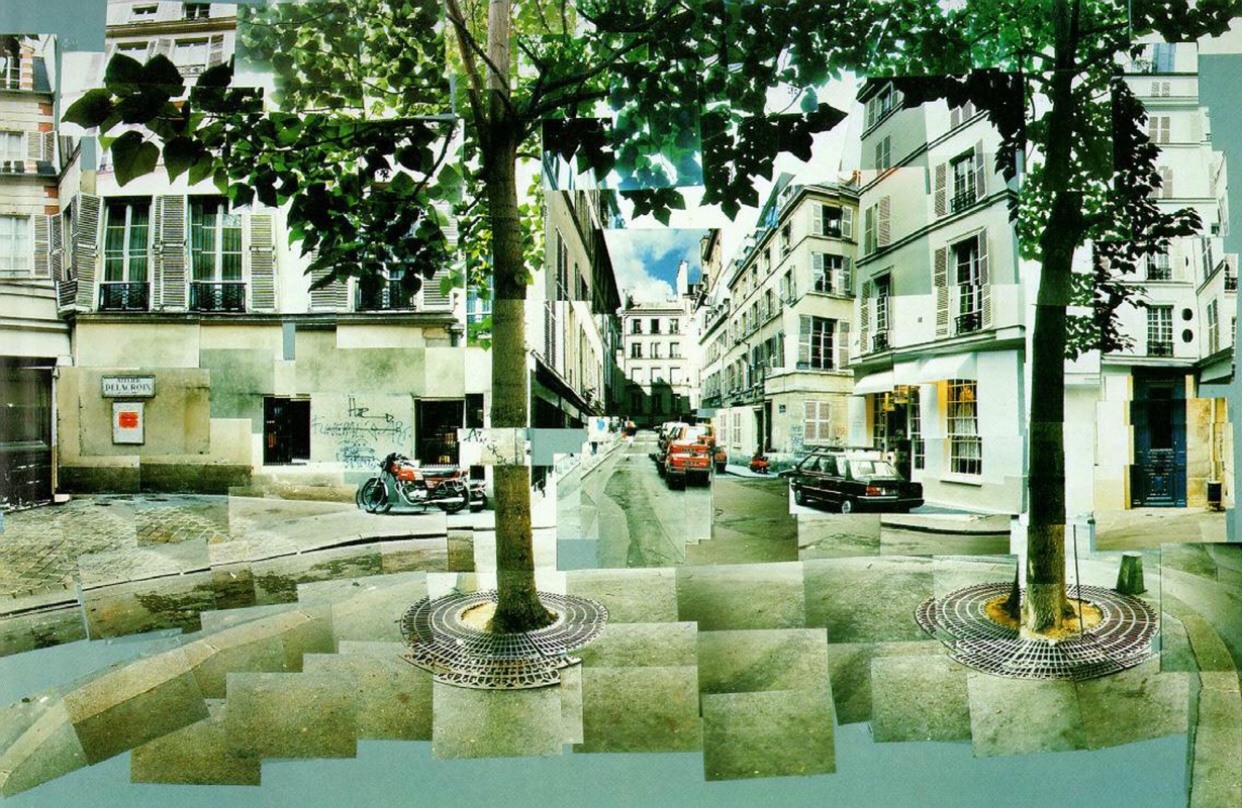
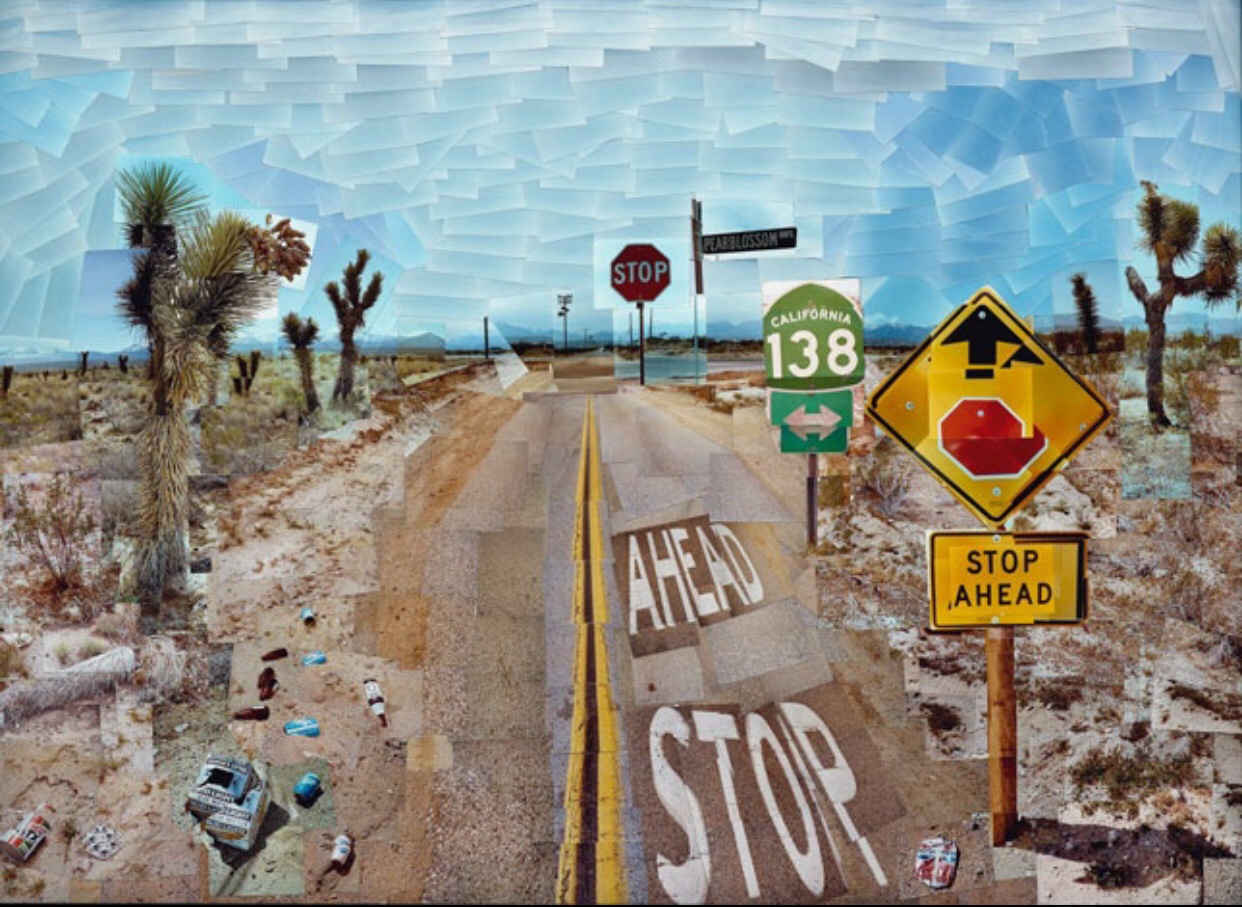
“In the early 1980’s, English painter David Hockney began creating intricate photo collages that he called “joiners”. His earlier collages consisted of grid-like compositions made up of polaroid photographs. He then switched to photo lab-processed 35mm photographs and created collages that took on a shape of their own, creating abstract representations of the scenes he had photographed. The varied exposures of the individual photographs that make up each collage give each work a fluidity and movement that otherwise might not be found.” Juxtapoz Magazine
Technique Edits: Photomontages
My objective for these photomontages is to edit the photos I’ve taken and then use the photoshop programme, to then create image overlay, once I’ve edited the images to how I want them, then I’m going to start exploring a few Torn, Cut out and techniques.
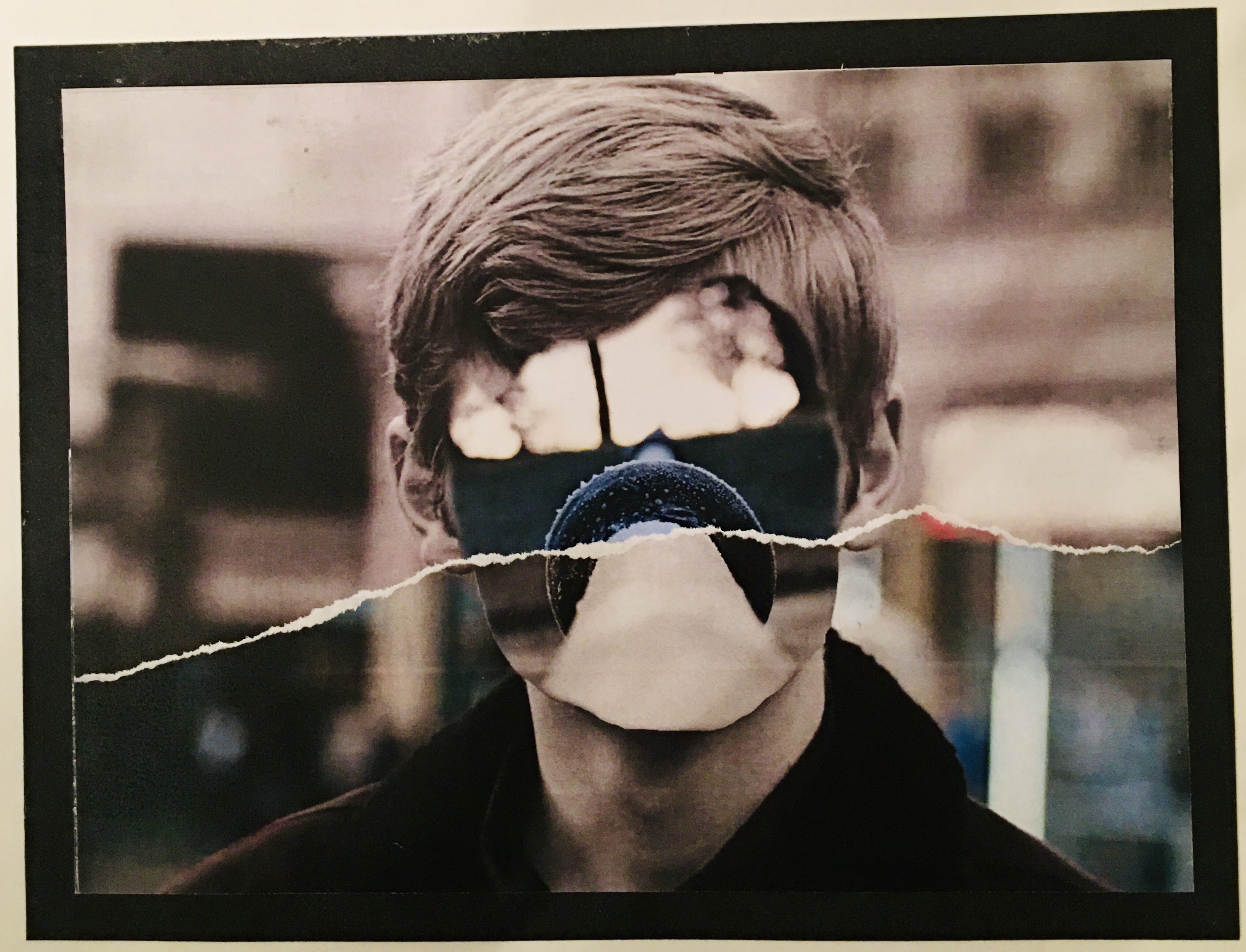
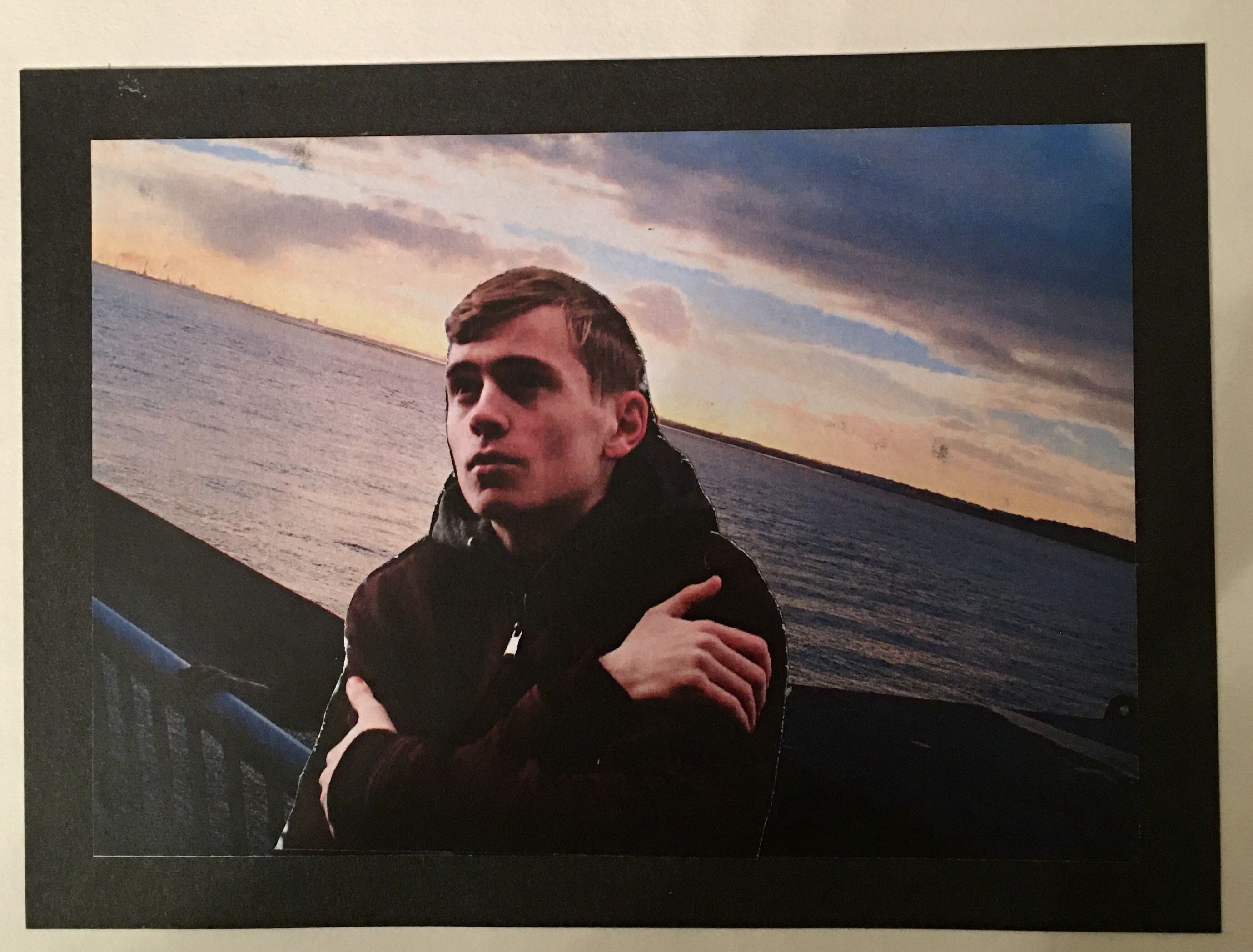
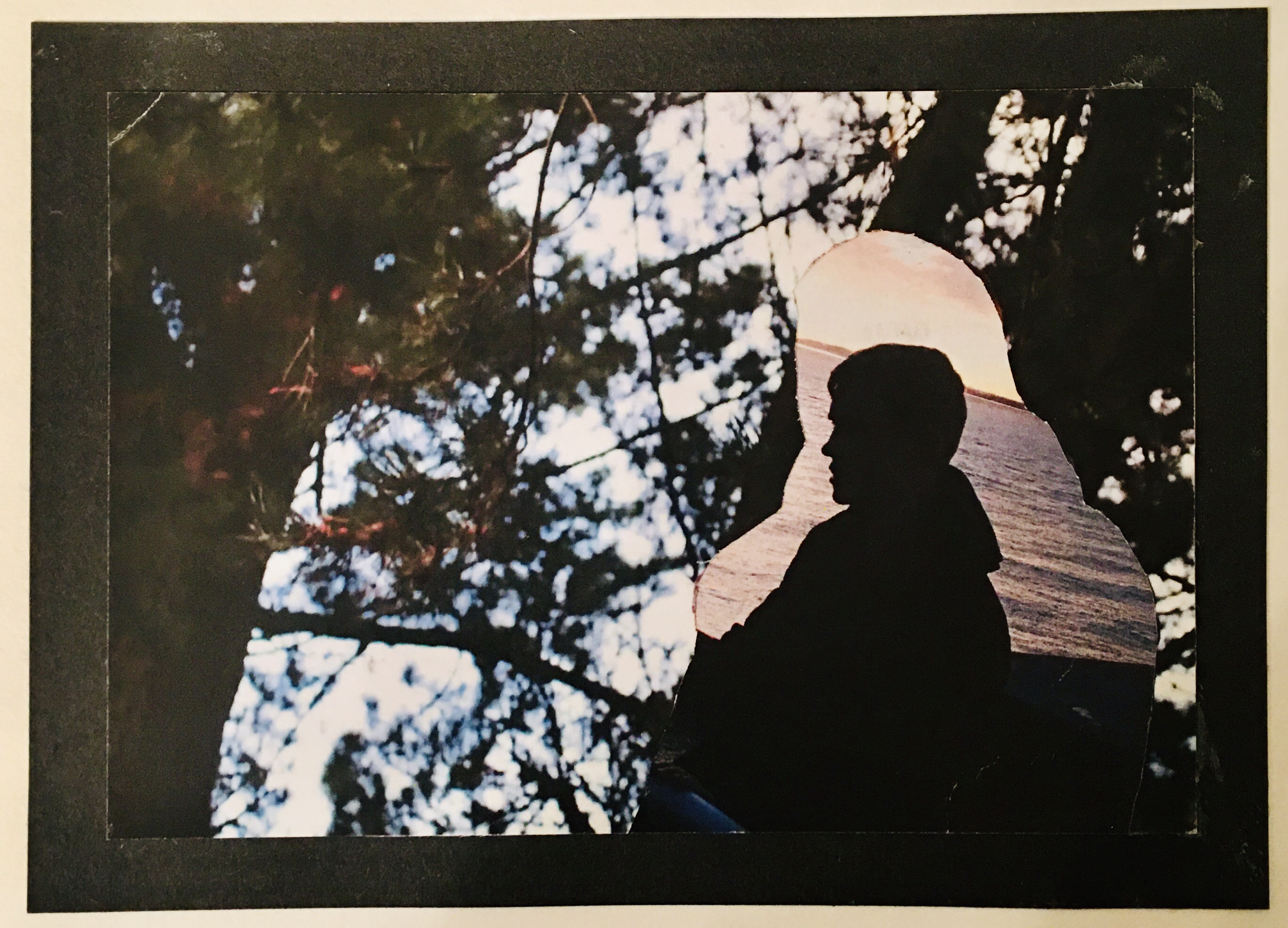
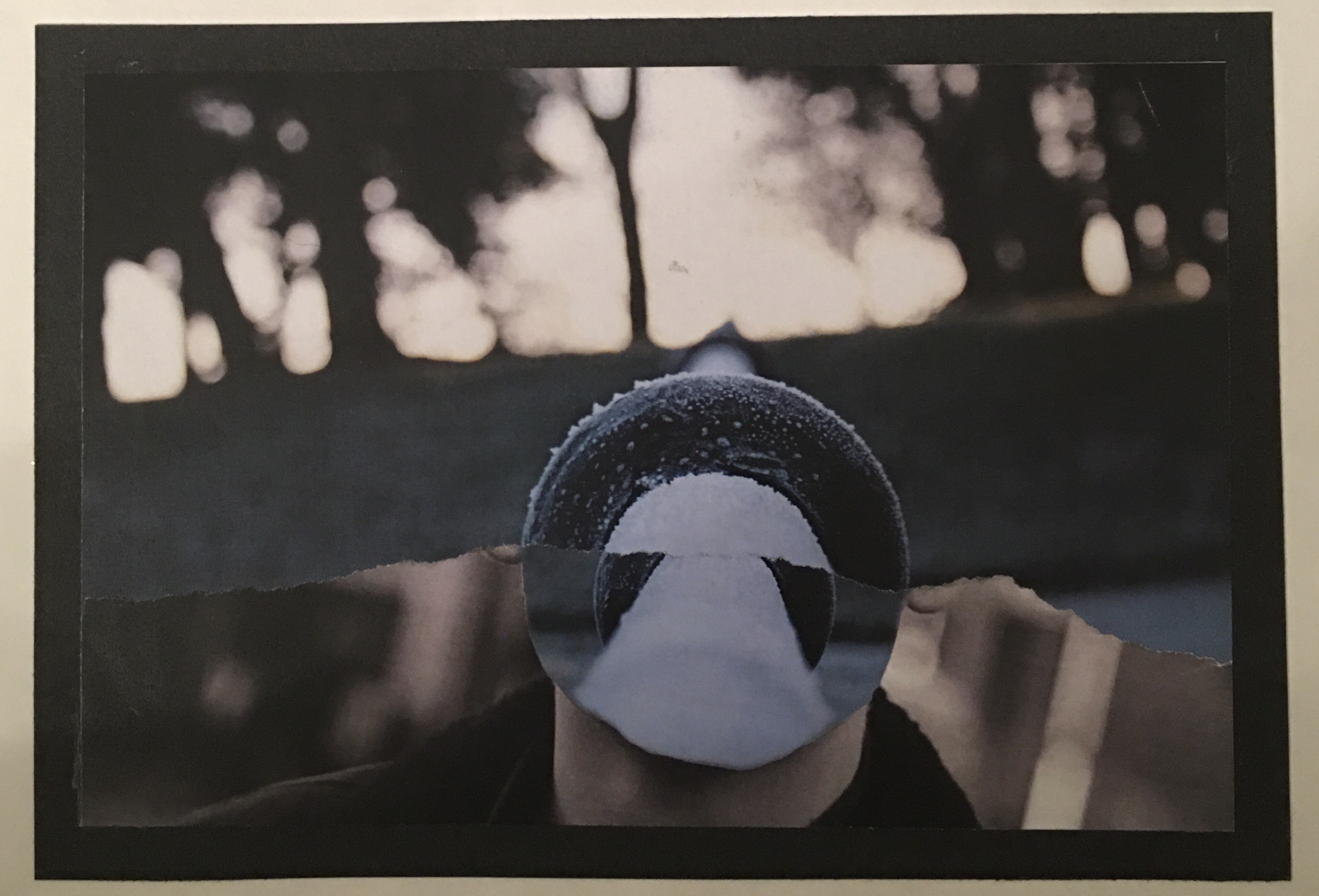
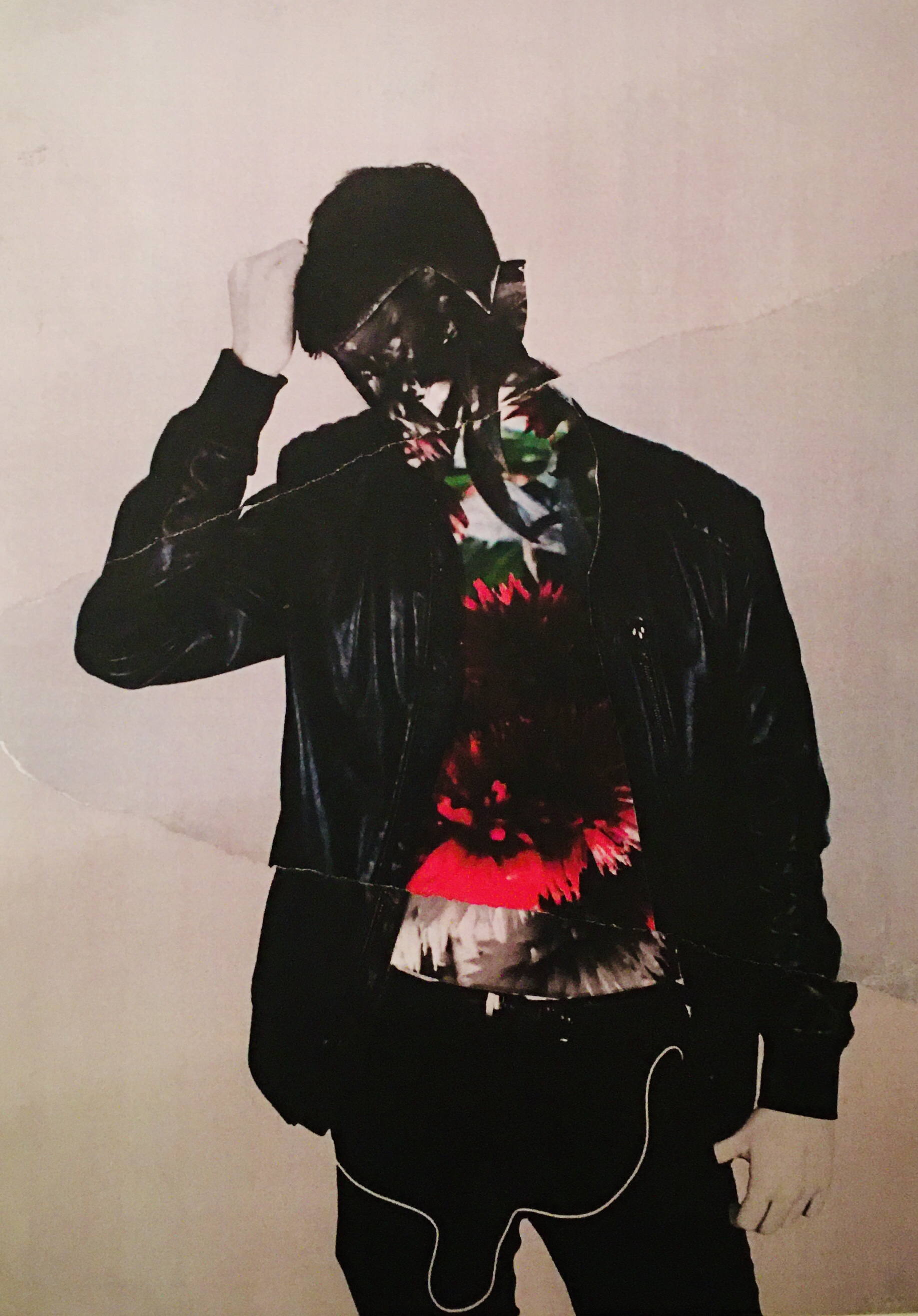
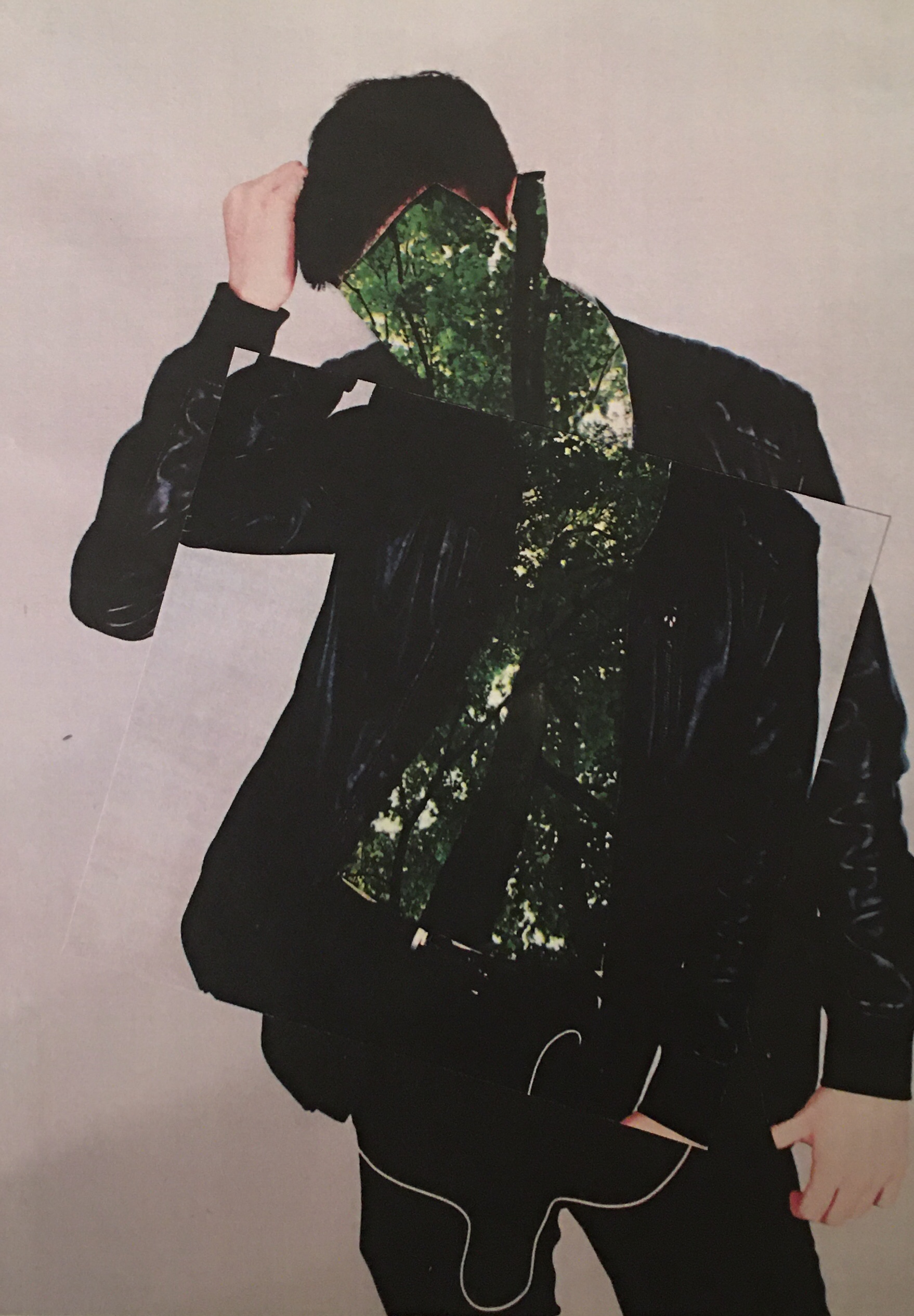
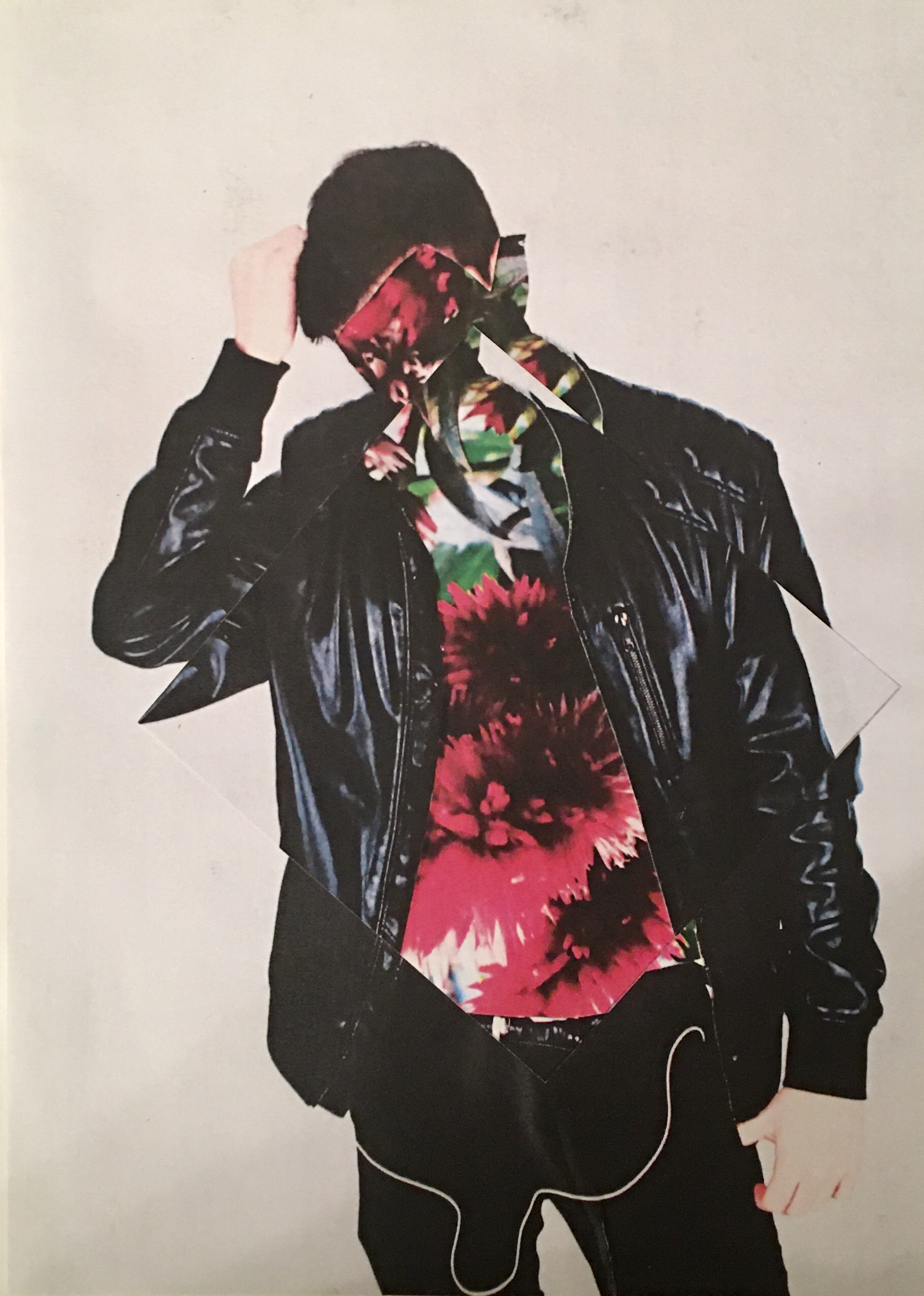
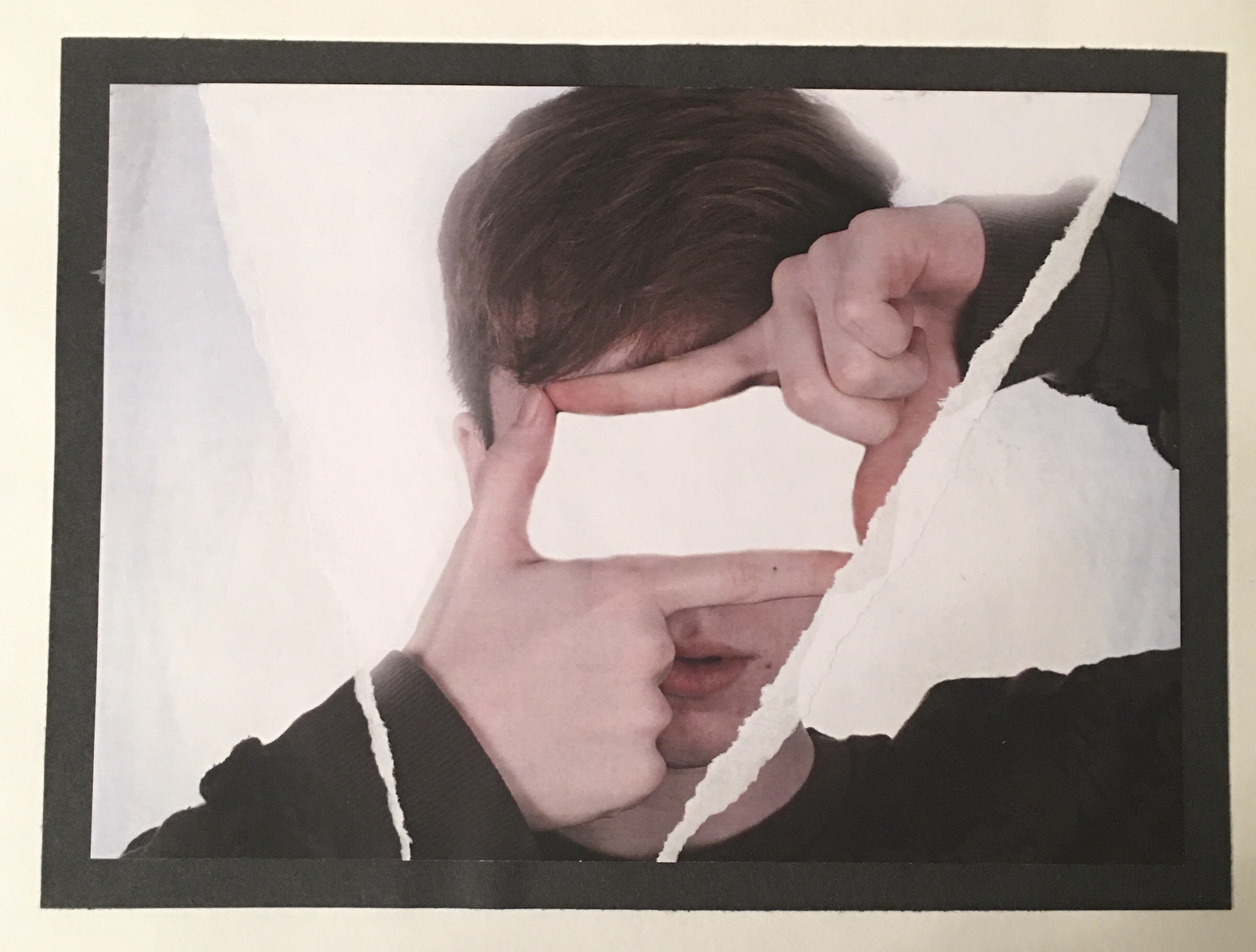
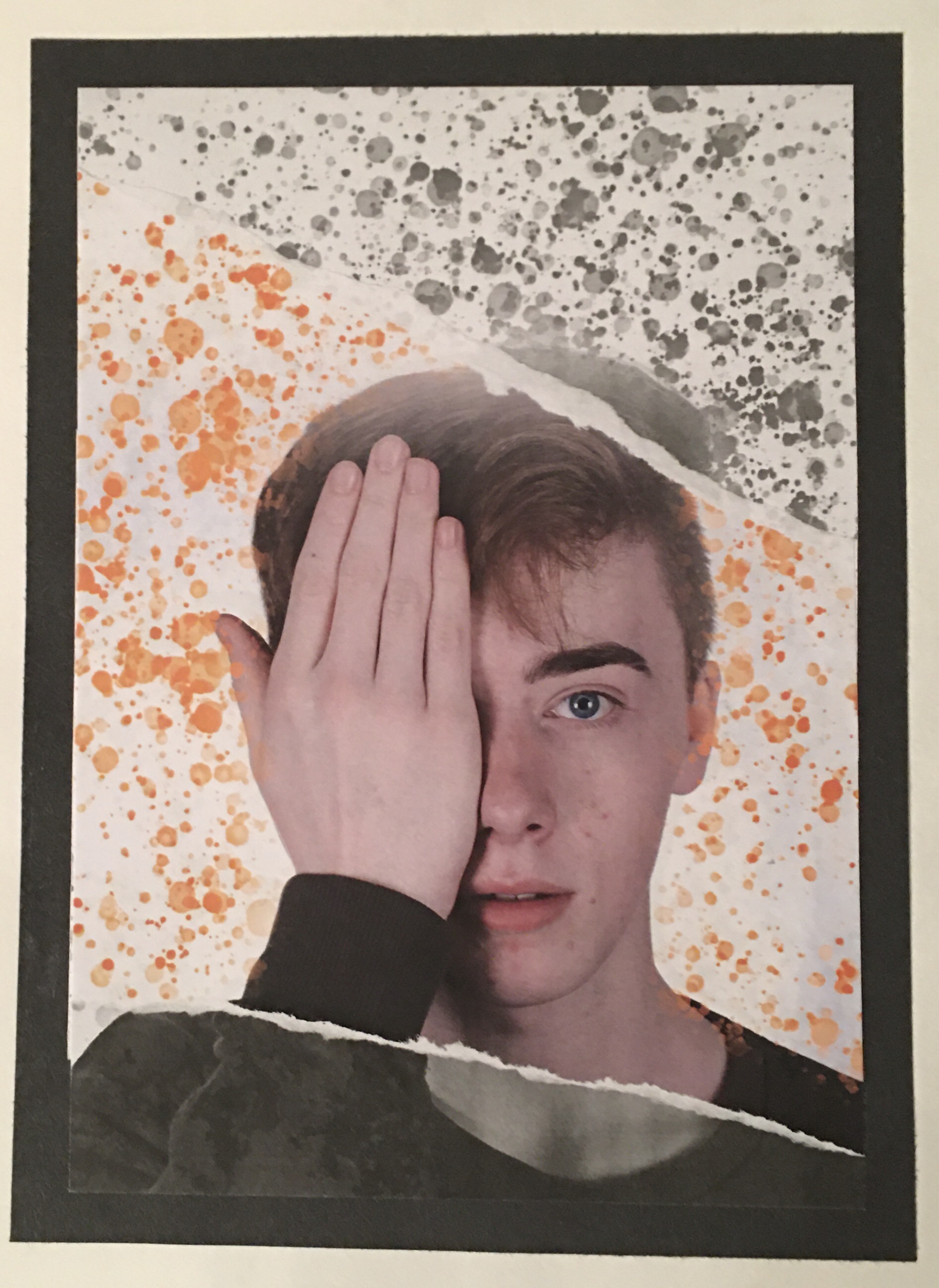
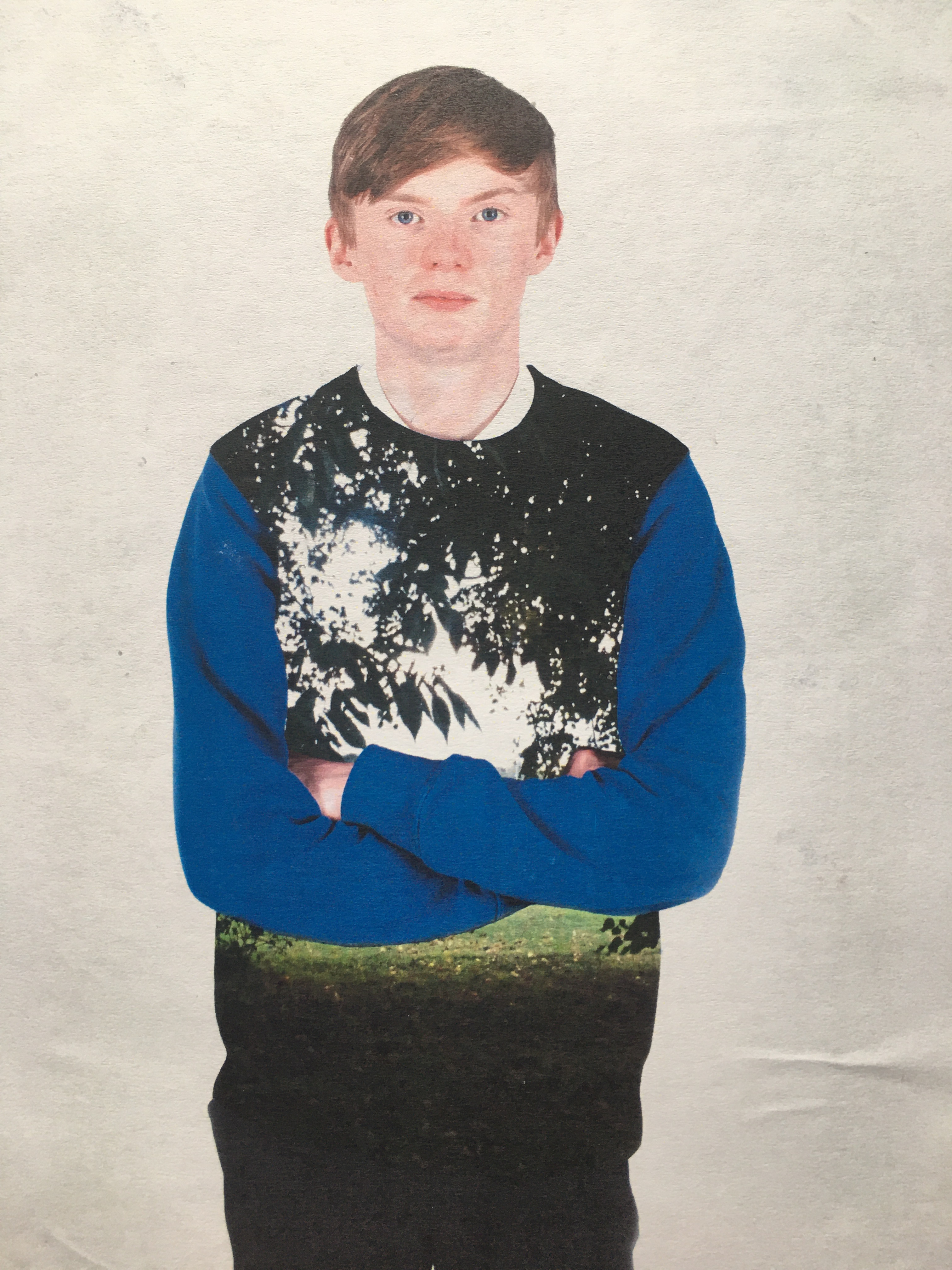
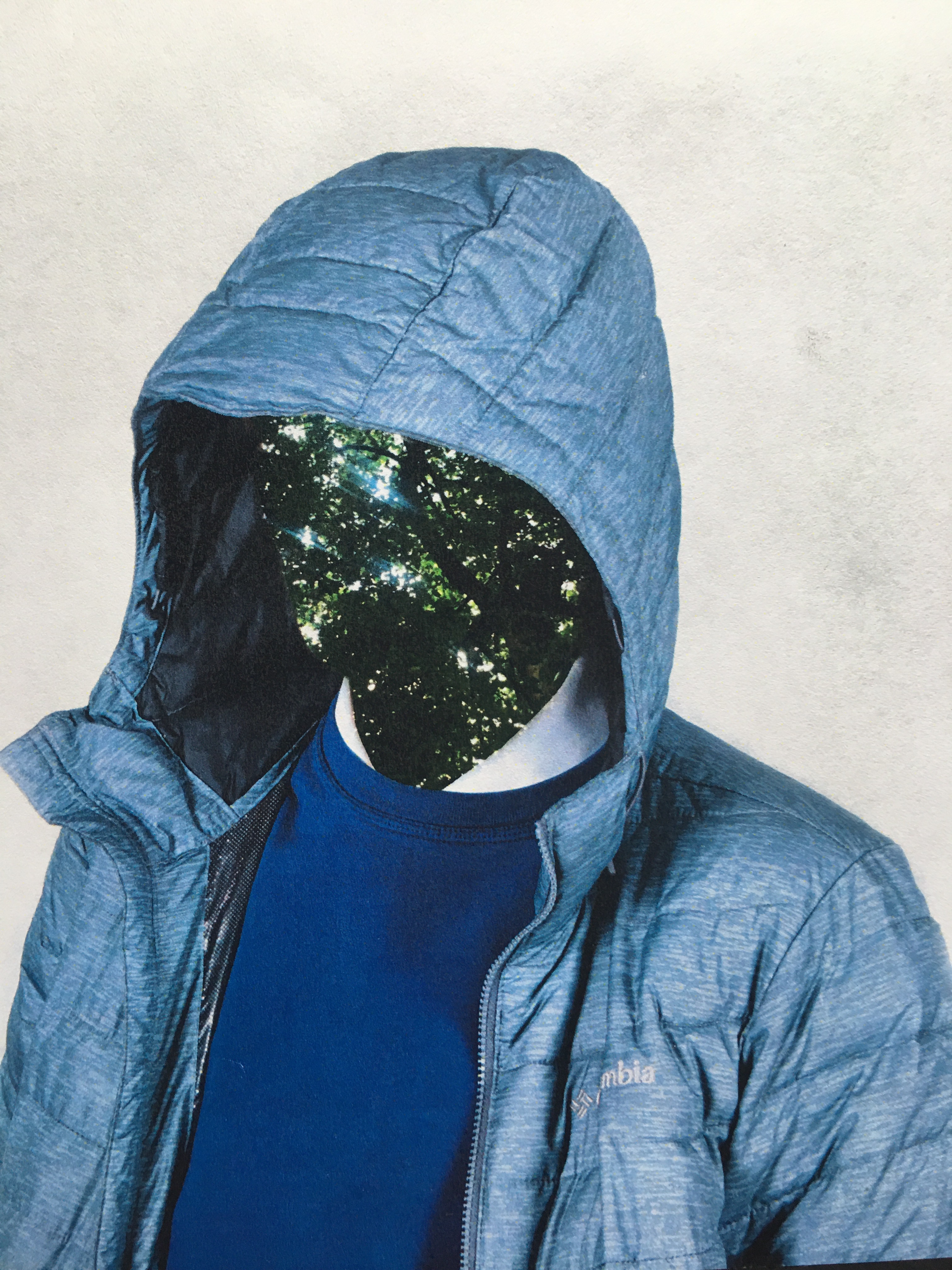
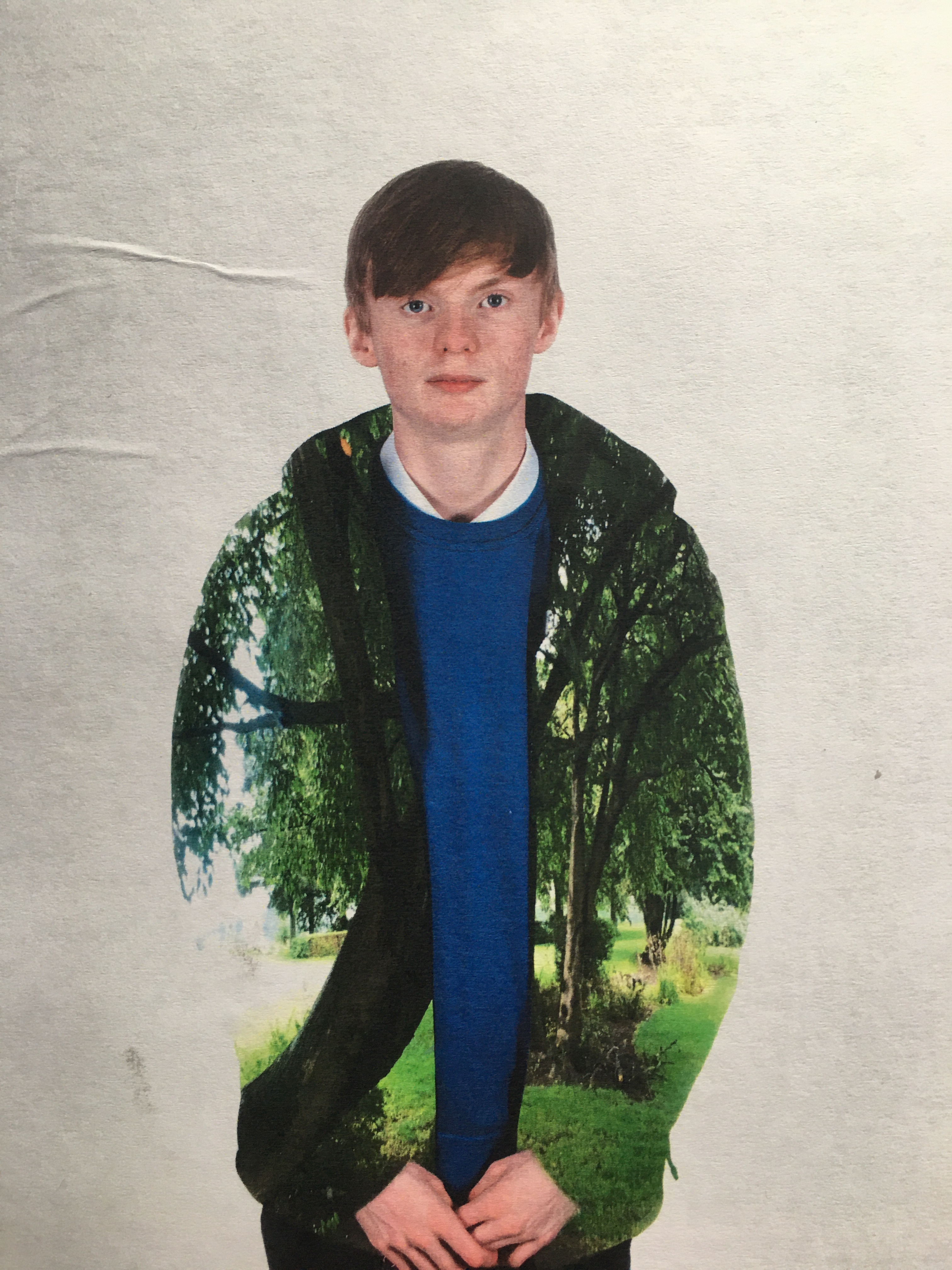
My intention for these edits was to explore a wide variety of image overlay forms and work on the face of the model. I replaced the eyes with a duplicate of the same image for the Selective Colour Image Overlay. So you’re looking more into the model’s soul.
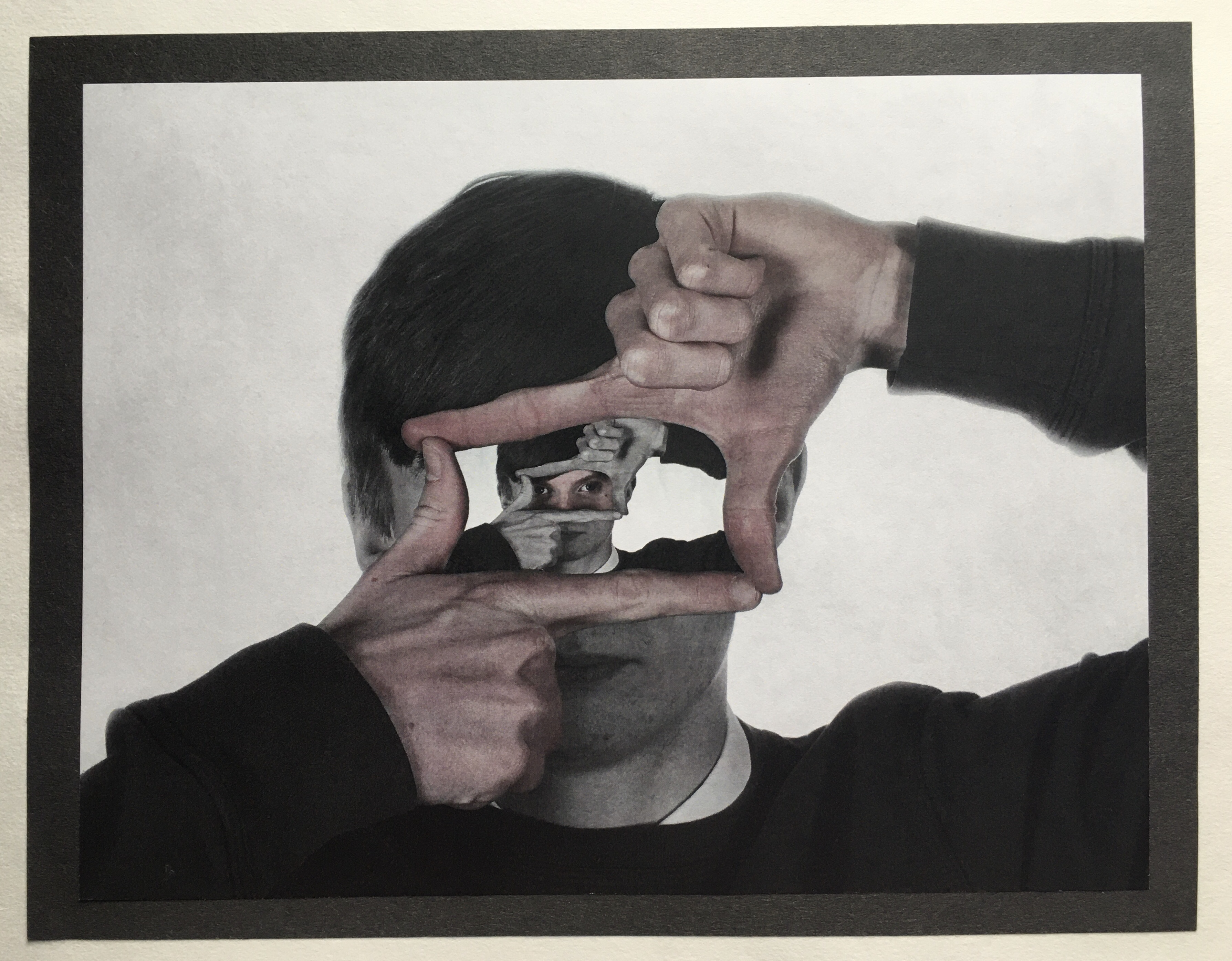
Selective Colour Image Overlay / Photomontage 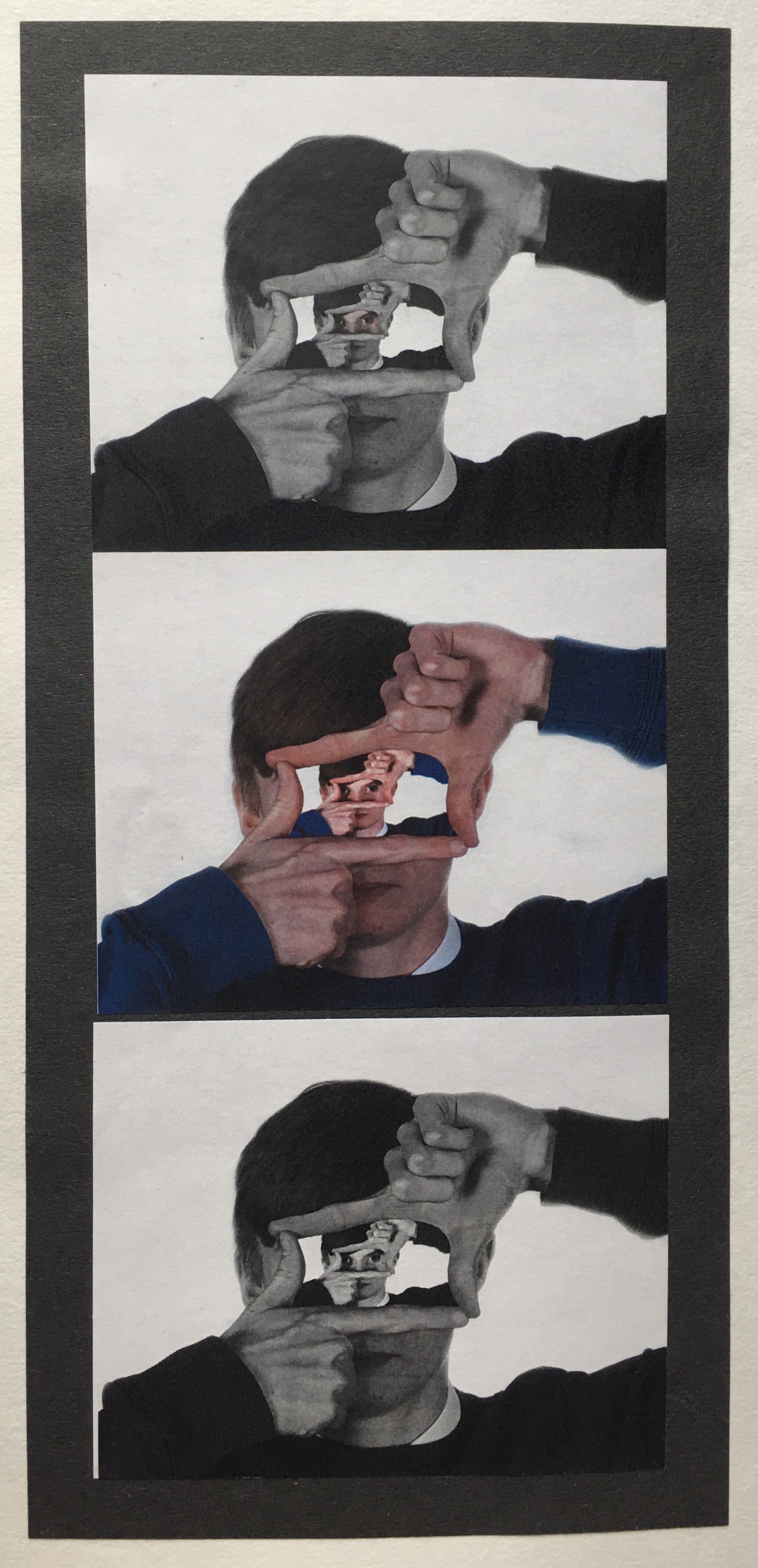
Colour / Black and White Series Image Overlay Photomontage 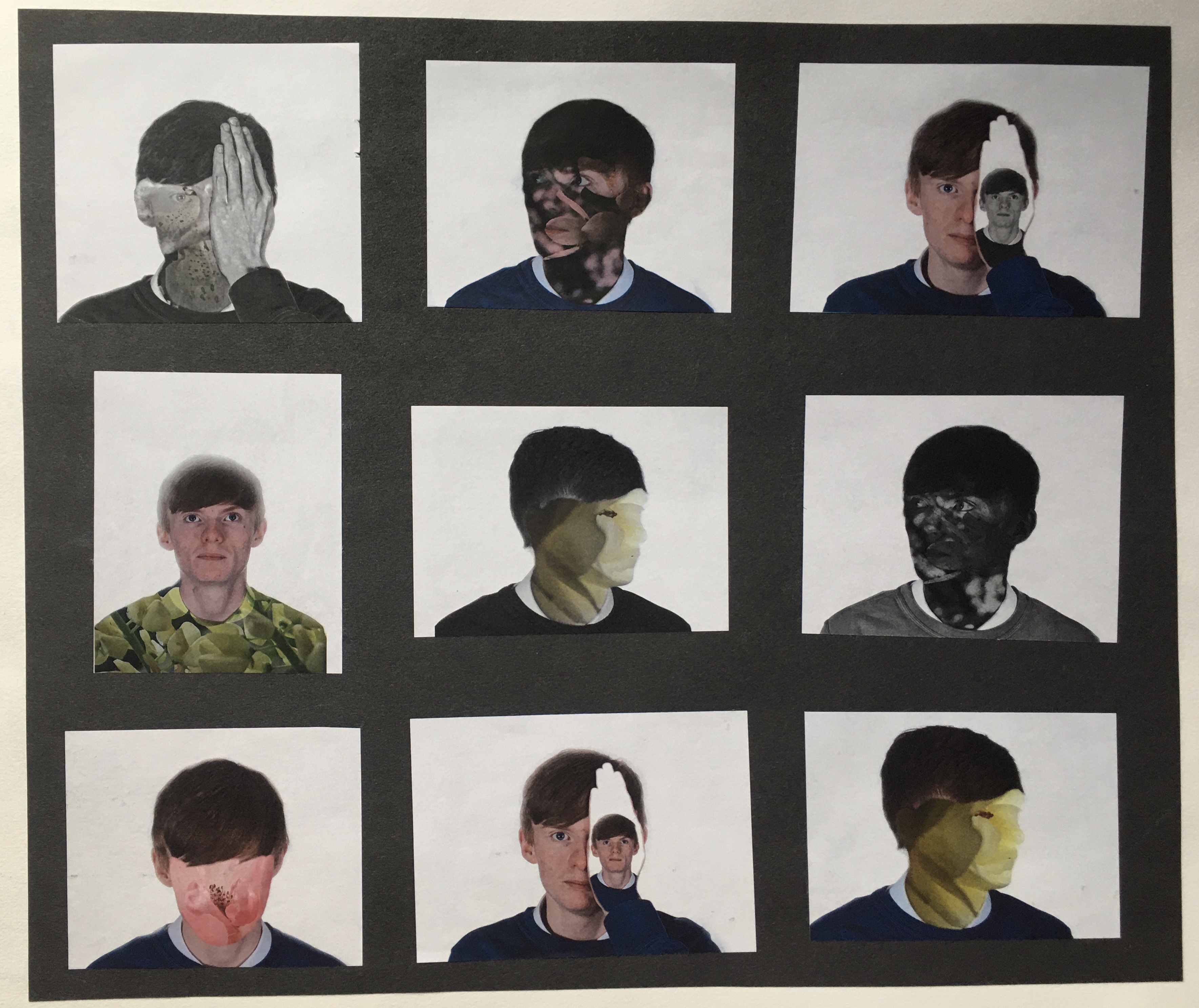
Small Photomontages
Mixed Media: Photomontages
My intention was to explore Mixed Media in more detail, so I’m going to explore a wider variety of colours, textures, as I want to see how they will all respond with each picture as I want to concentrate on the human face shape as I’ve used textured paper layers and then work with Brusho inks, Biro, Pencil and Charcoal over the top of the surface.
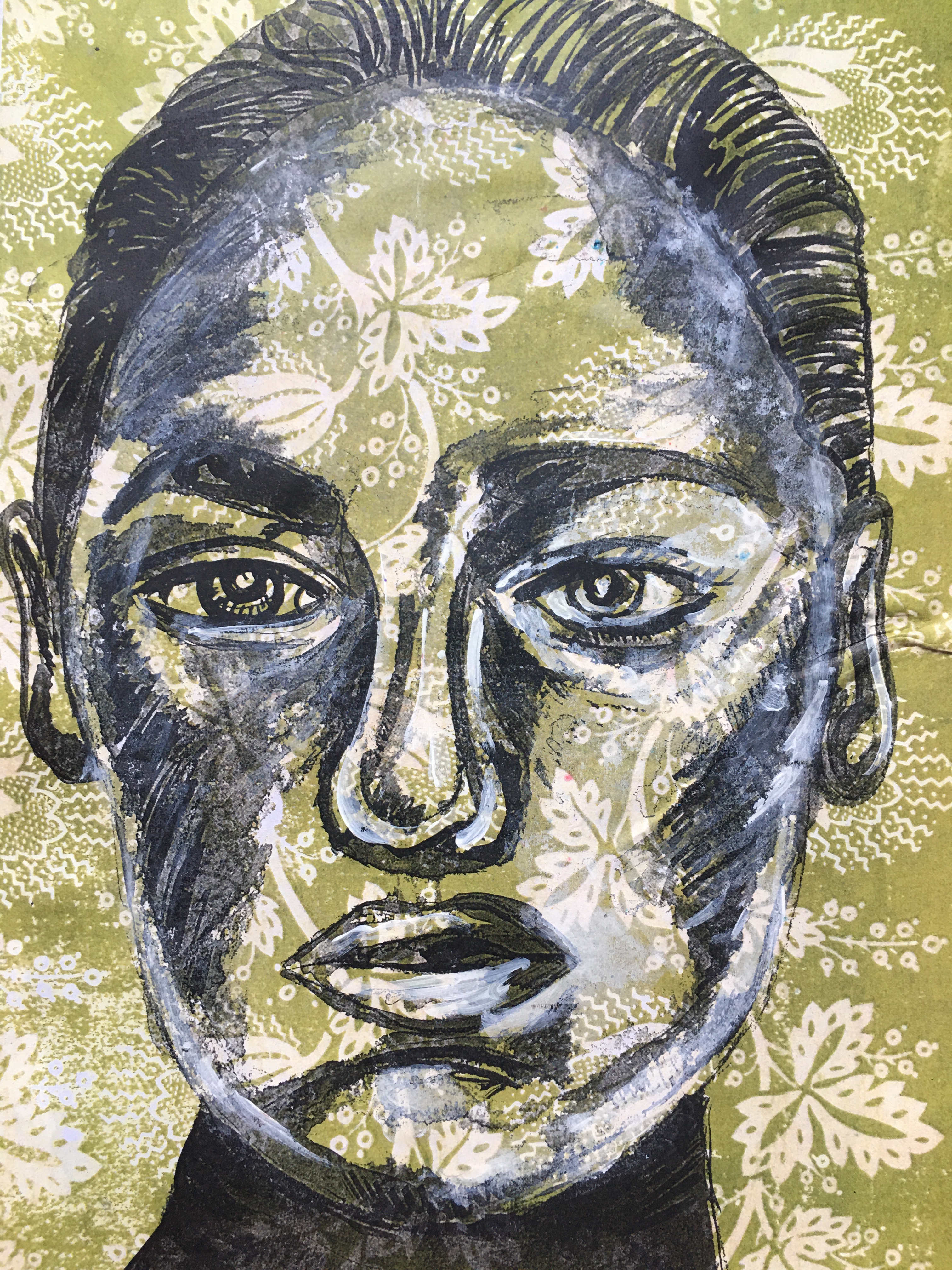
One 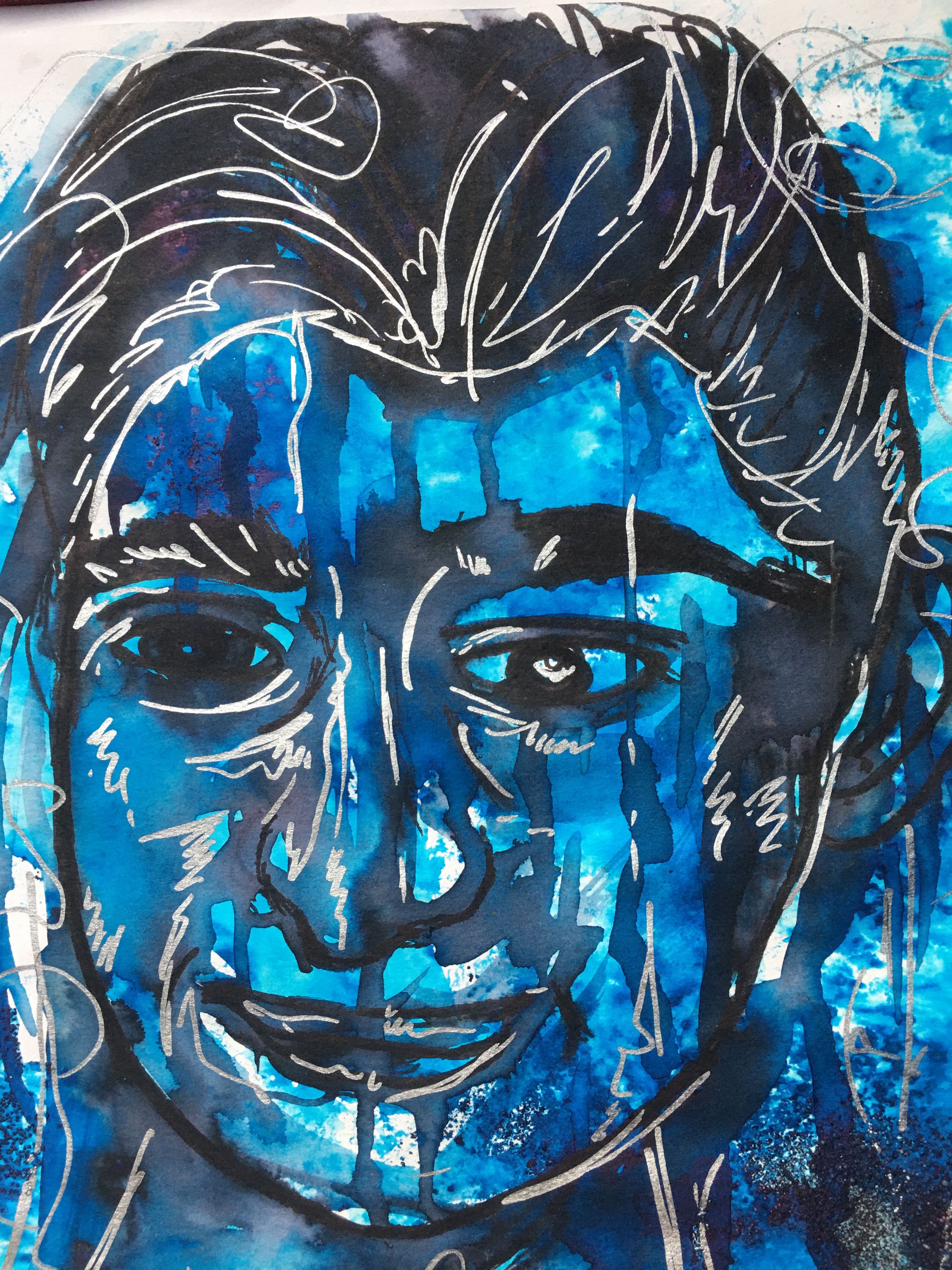
Two 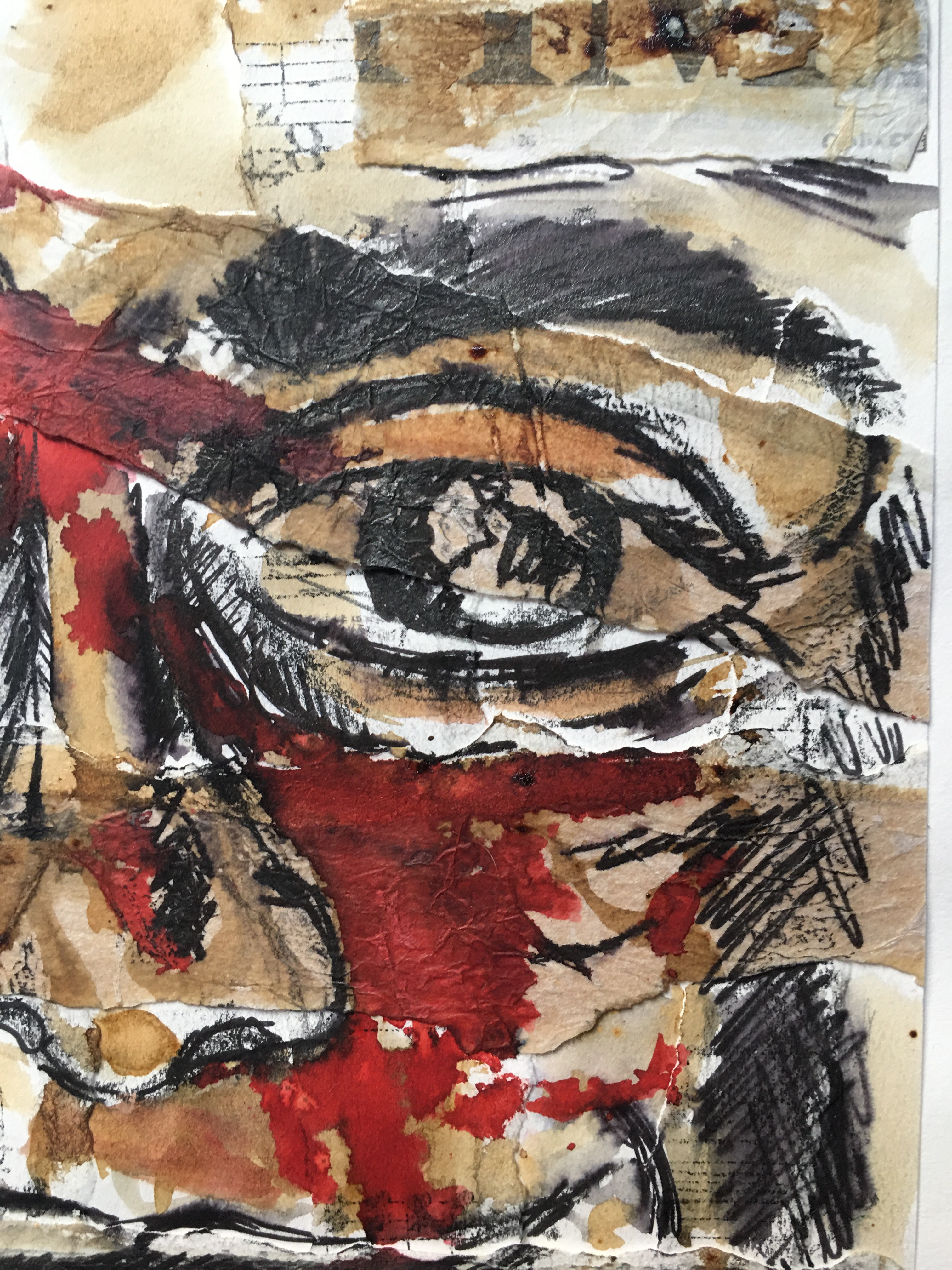
Three 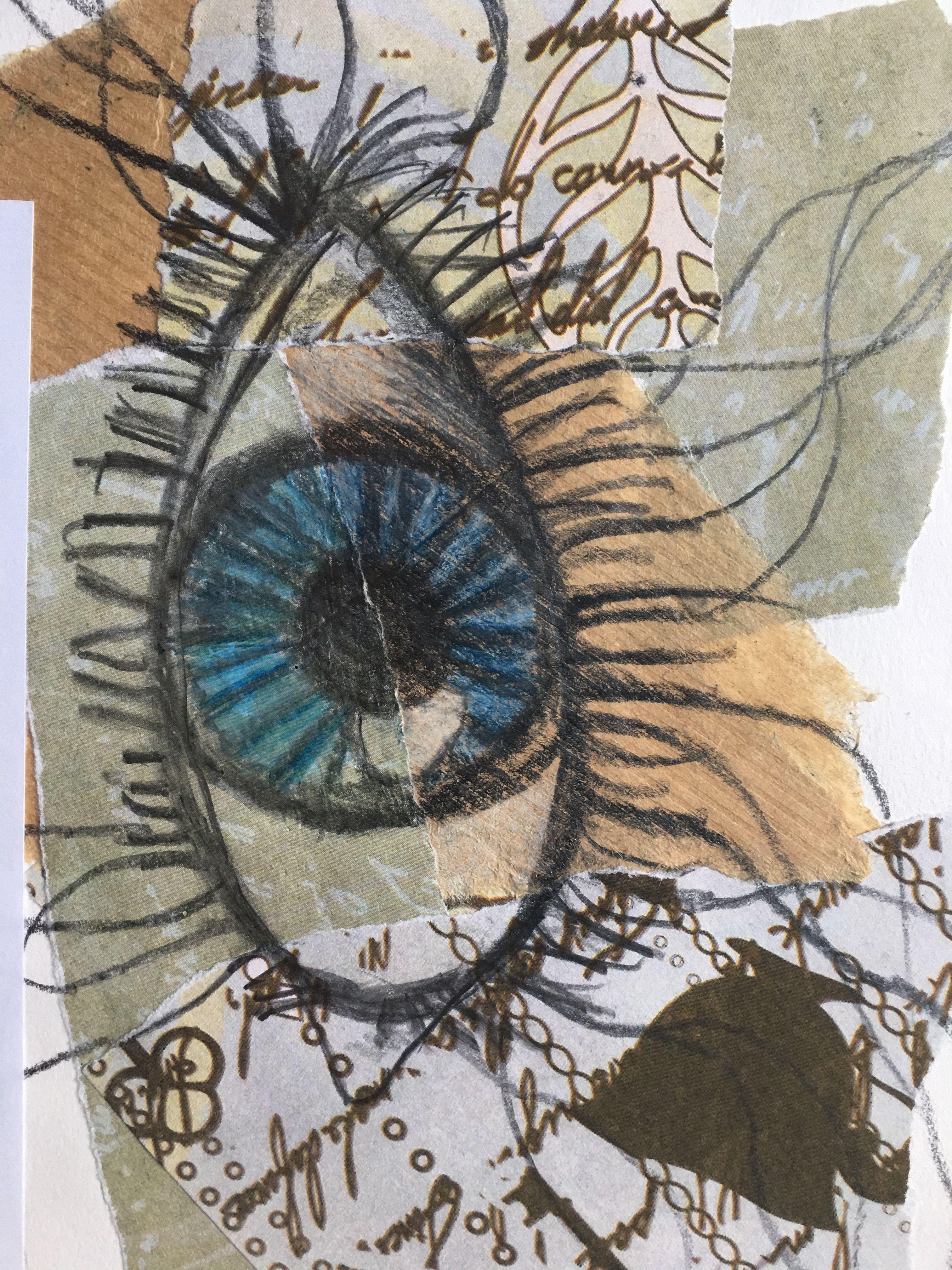
Four 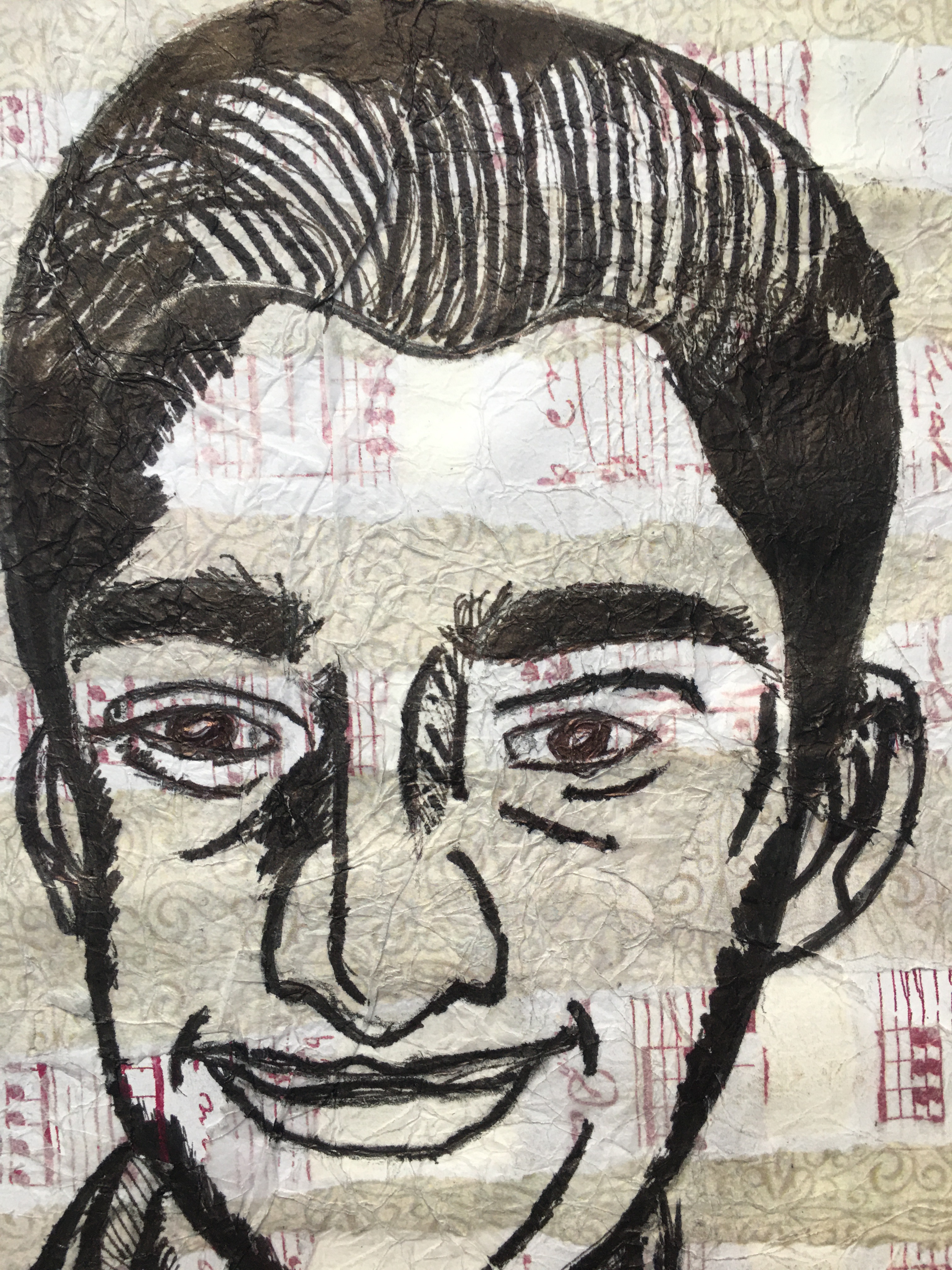
Five 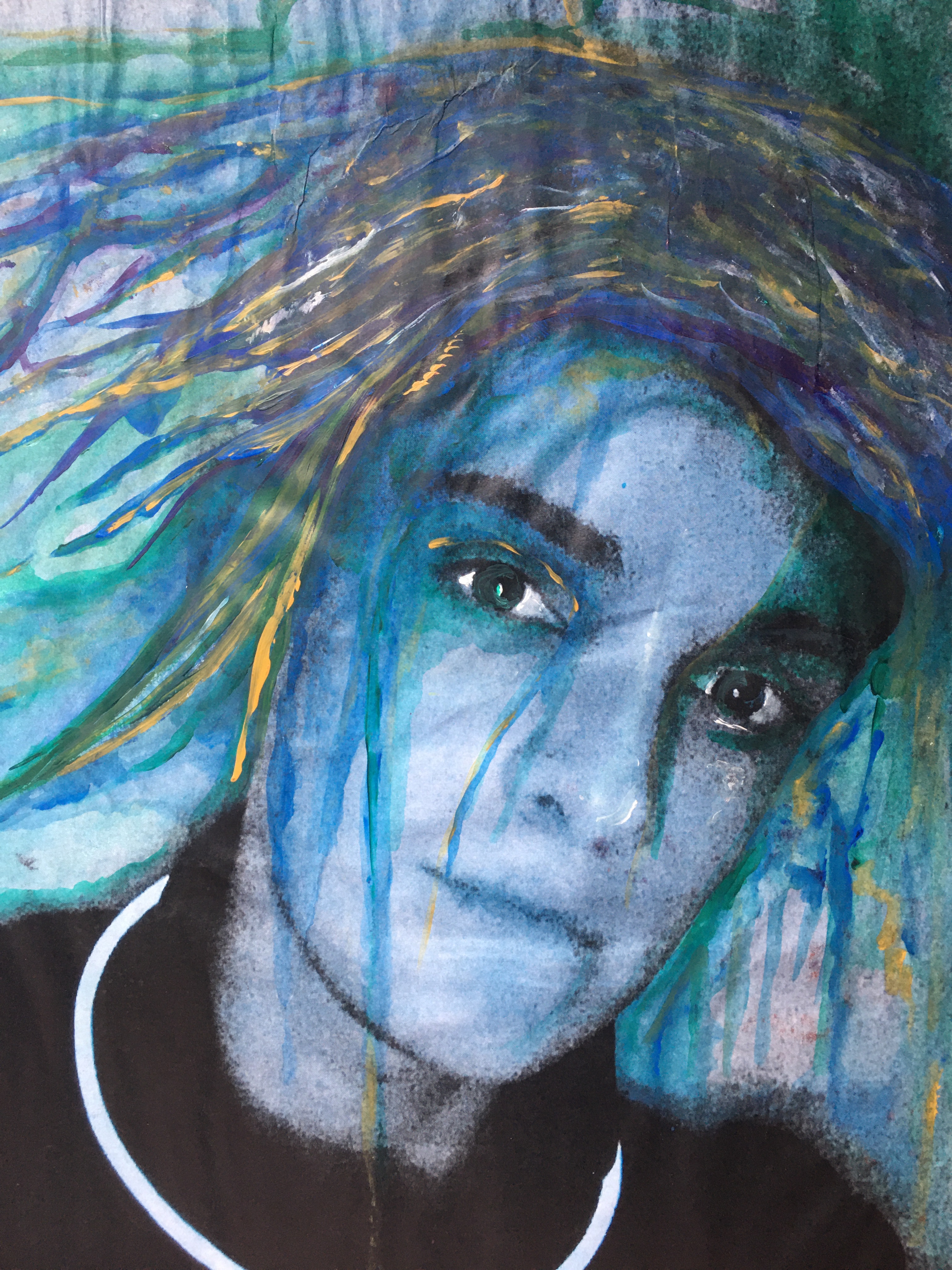
Six 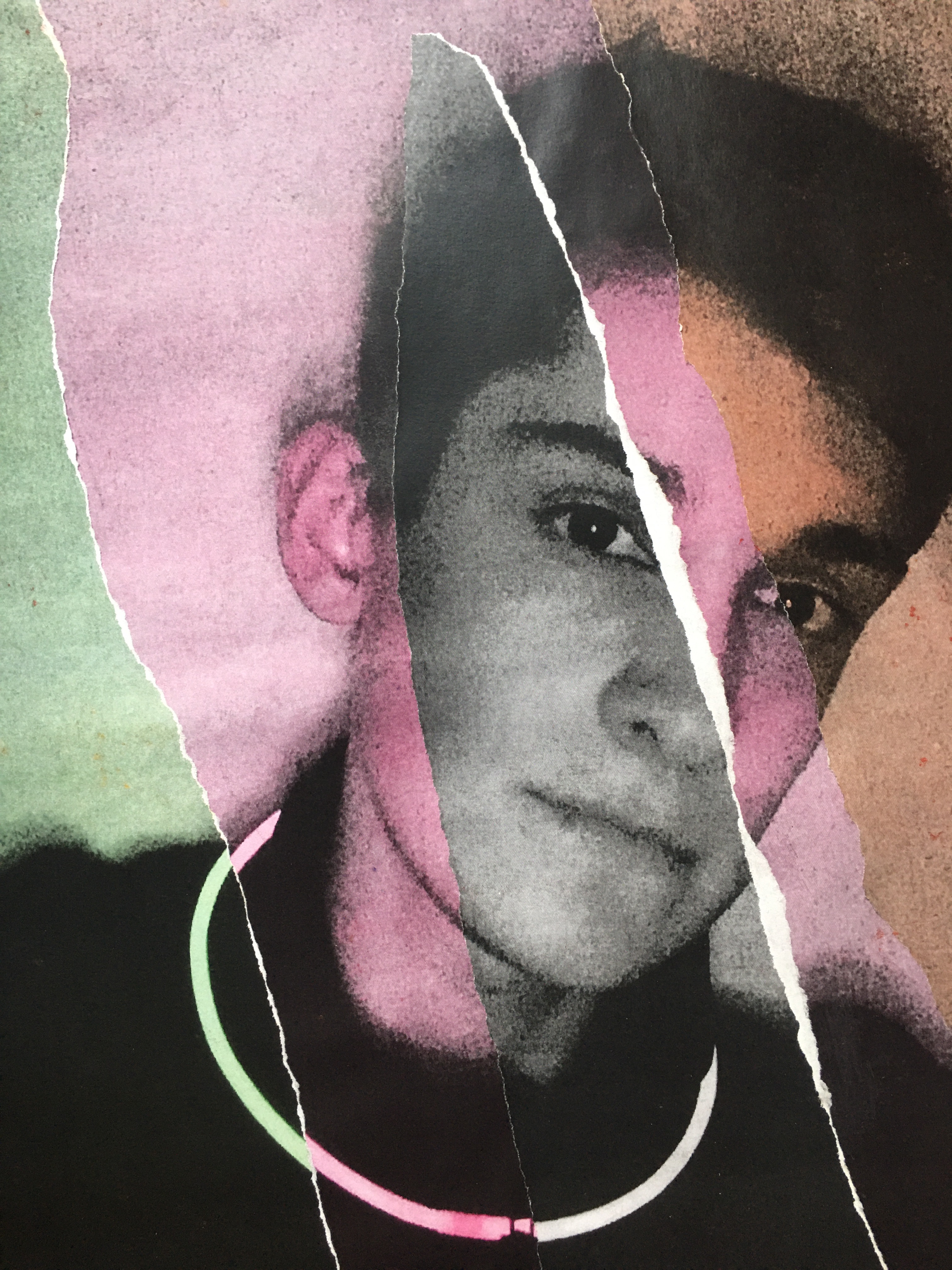
Seven 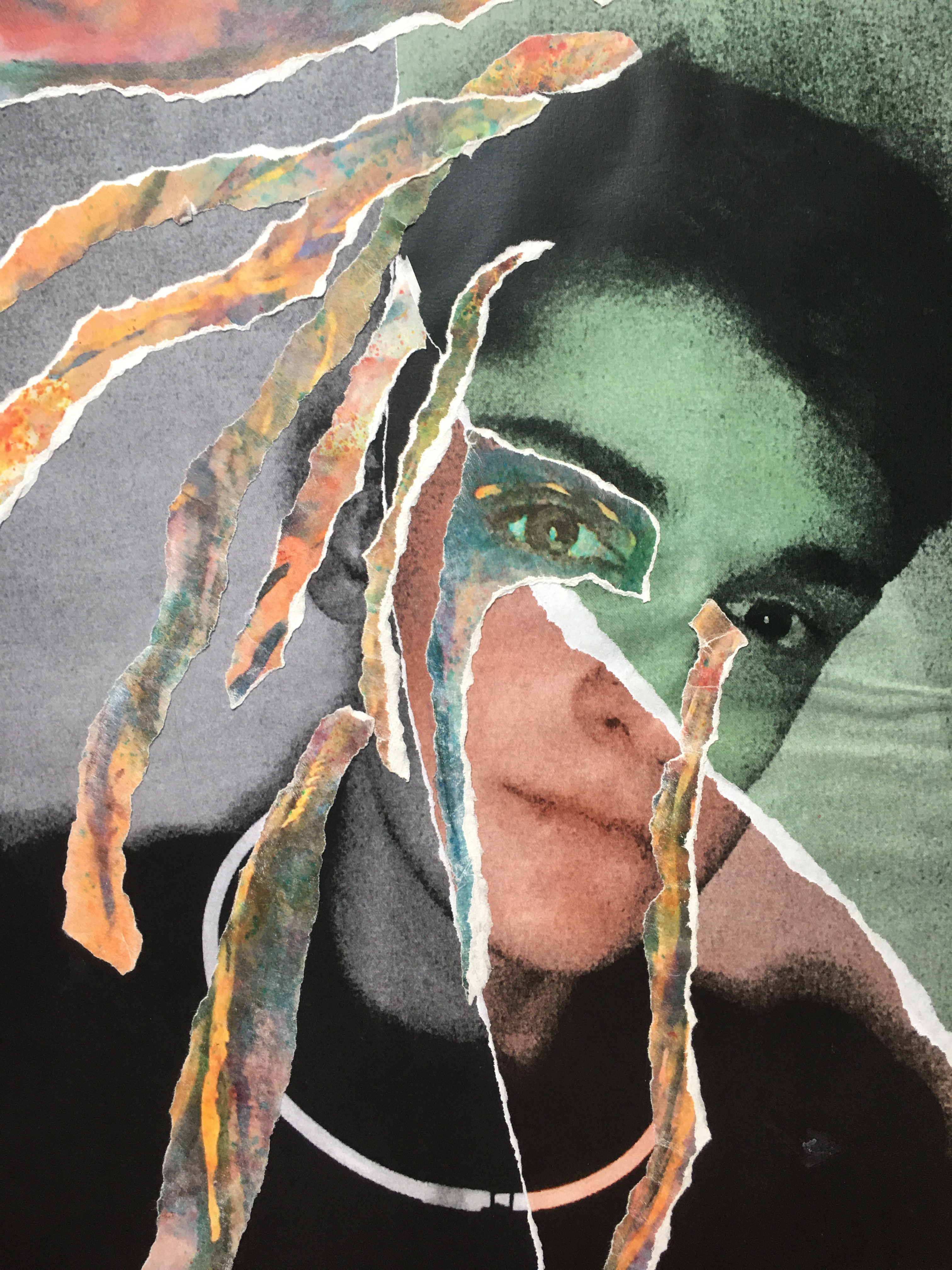
Eight 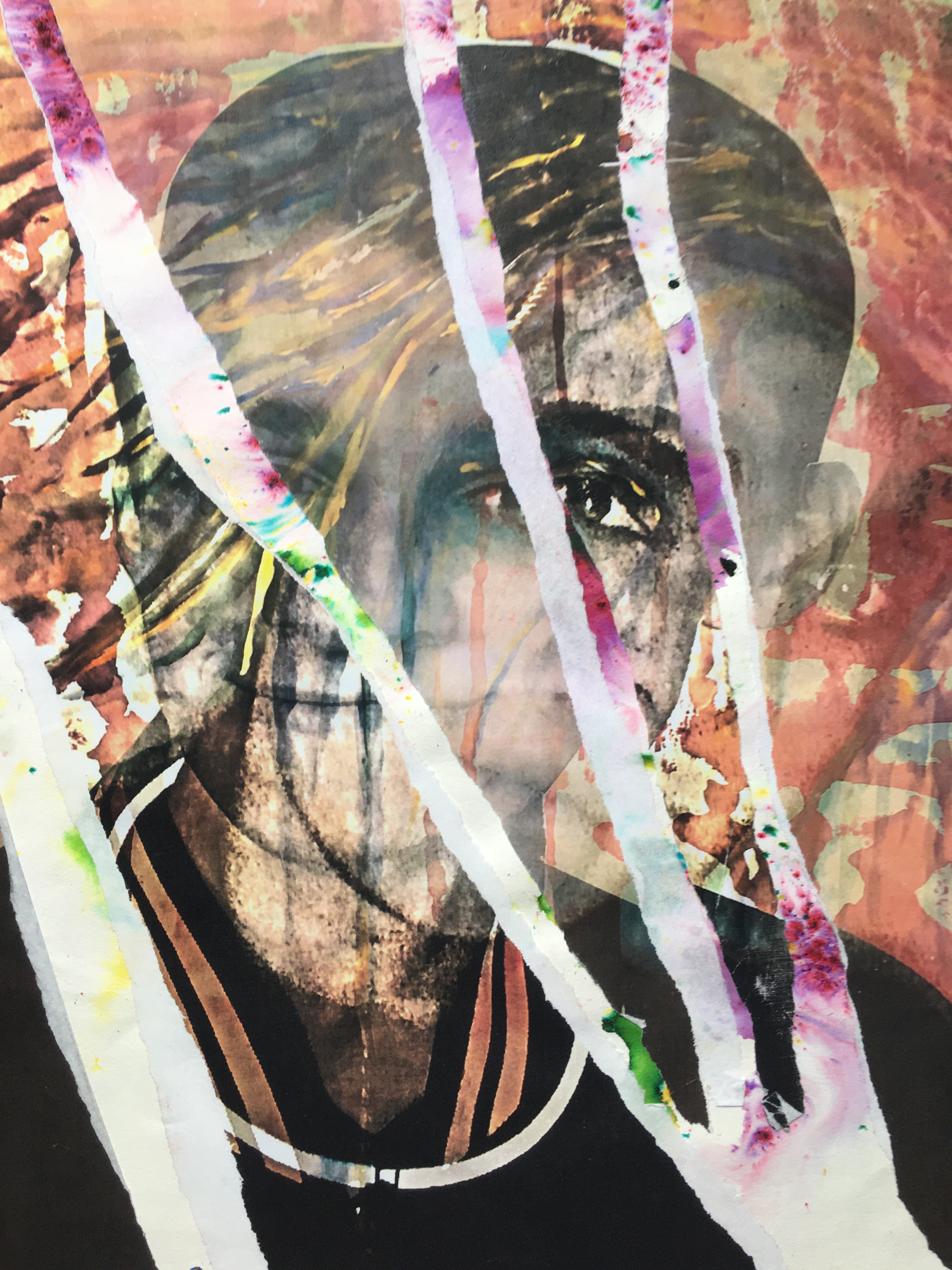
Nine
My goal of the Seven, Eight and Nine Mixed Media Photomontages was to work with a variety of layers over the surface, so I want to use a portion of different colour layers, image texture. On Mixed Media (Nine) Photomontage, I have used Image Overlay in the software Photoshop.
 Jmmaloneymoments.blog
Leave a comment